Technical Indicator

Universal Digital Filter: A Game-Changer for MetaTrader 5 Traders
MetaTrader5
Universal Digital Filter: A Game-Changer for MetaTrader 5 Traders

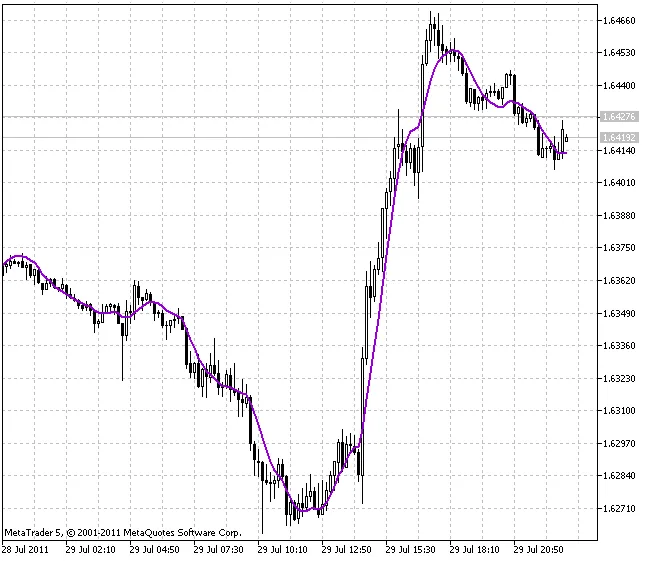
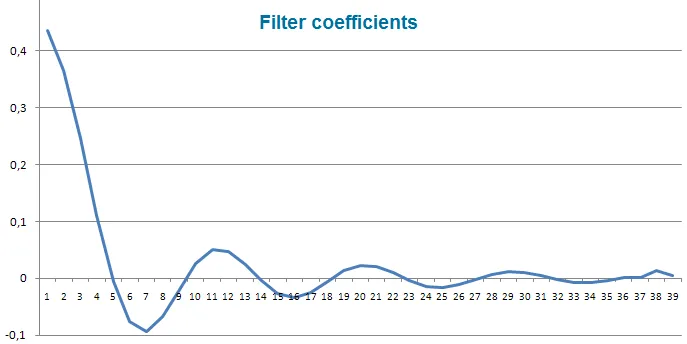
Meet the Creator: Sergey Ilyukhin, the mind behind the "Digital Methods Generator" methodology, has brought us an innovative tool for traders. The Universal Digital Filter is designed to simplify the creation of digital filters within your MetaTrader 5 platform. With this handy MQL5 filter, there’s no need to mess around with other digital filters—this one does it all! If you’re looking to dive deeper, check out the article "Practical Implementation of Digital Filters in MQL5 for Beginners" for a comprehensive guide. To get started, simply place the DF.dll file in the following directory: \MetaTrader5\MQL5\Libraries\. Important! To ensure that DF.dll works as intended, you’ll need three additional DLL files: bdsp.dll, lapack.dll, and mkl_support.dll. These files handle crucial mathematical operations and should be placed in either C:\Windows\System32\ for 32-bit systems or C:\Windows\SysWOW64\ for 64-bit systems. Before you jump in, make sure to check the following: Ensure the "Allow DLL imports" option is checked in Tools → Options → Expert Advisors; Confirm that the mathematical libraries (bdsp.dll, lapack.dll, mkl_support.dll) are in the correct folder. Input Parameters Explained: Ftype - Choose your filter type: &nbsp;&nbsp;0 - LPF (FATL/SATL/KGLP); &nbsp;&nbsp;1 - HPF (KGHP); &nbsp;&nbsp;2 - Band-pass (RBCI/KGBP); &nbsp;&nbsp;3 - Rejection (KGBS). P1 - Cut-off period (bars); D1 - Transient process cut-off period (bars); A1 - Attenuation in rejection band (dB); P2 - Second cut-off period (bars); D2 - Second transient process cut-off period (bars); A2 - Second attenuation in rejection band (dB); Ripple - Pulsations in pass band (dB); Delay - Delay (bars). Keep in mind, the values for P2, D2, and A2 are not applicable for LPF and HPF settings. Working Conditions: LPF: P1 > D1 HPF: P1 < D1 Band-pass and rejection: D2 > P2 > P1 > D1

2011.08.23
Discover FATL: The Game-Changing Indicator for MetaTrader 5
MetaTrader5
Discover FATL: The Game-Changing Indicator for MetaTrader 5

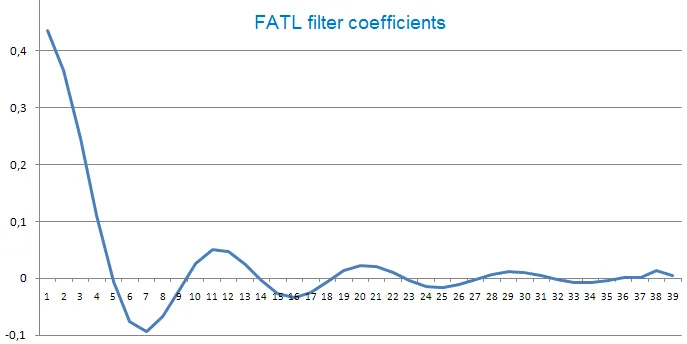
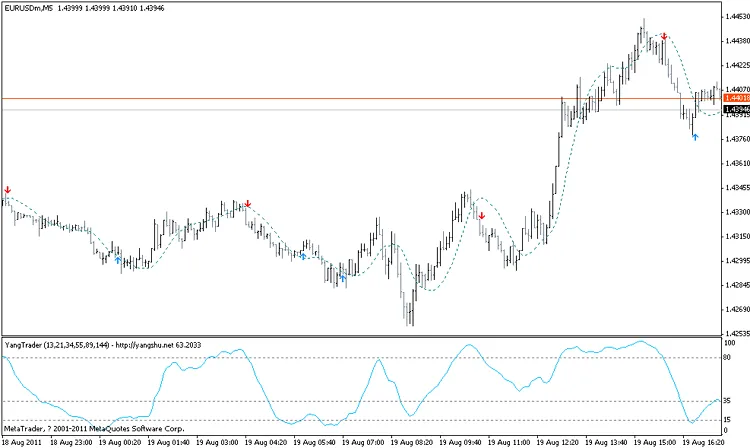
Meet the Creator Vladimir Kravchuk, the innovative mind behind the "New Adaptive Method of Following Trends and Market Cycles" Have you ever wished for a tool that could help you navigate the tricky waters of trading? Enter FATL (Fast Adaptive Trend Line). This nifty indicator uses a low-frequency digital filter called FLF-1, designed specifically to cut through the noise of high-frequency fluctuations in the market. The FLF-1 filter is essential for dampening those pesky high-frequency noises and minimizing market cycles that can cause short bursts of volatility—essentially, the noise we want to avoid. The filter's parameters, including the cutoff frequency (fc) and attenuation (A) at the rejection band, were meticulously calculated using the EUR/USD exchange rate's spectral estimation. The low-frequency filters, FLF-1 and FLF-2, boast an impressive attenuation in the stop band of at least 40 dB. They preserve the amplitude and phase of entry price series in the pass band, ensuring that you get a clearer picture of market trends. This means you can reduce the chances of encountering those frustrating "false" buy or sell signals that can derail your strategy. What sets FATL apart from traditional indicators? Unlike standard moving averages, FATL isn't just another average—it provides adaptive line estimates of short-term trends without the phase delay that can lag behind current prices. This gives you a more accurate and timely insight into market movements.

2011.08.19
Mastering the Center of Gravity Indicator for MetaTrader 5
MetaTrader5
Mastering the Center of Gravity Indicator for MetaTrader 5

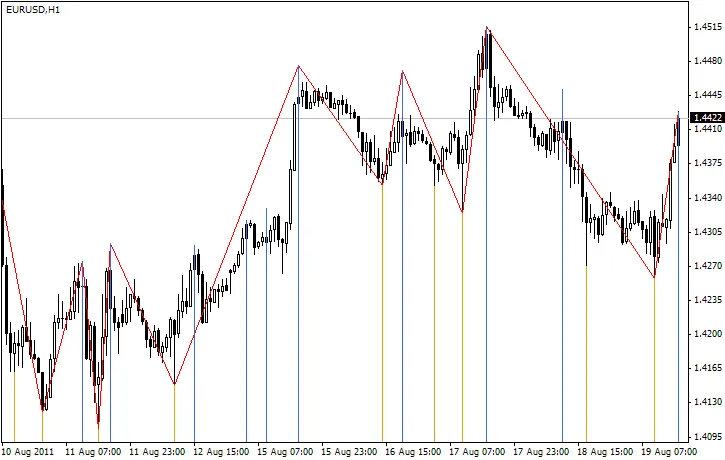
Author: Rosh If you're looking to sharpen your trading game, the Center of Gravity (CoG) indicator is a tool you won't want to overlook. This nifty indicator boasts zero lag, helping you pinpoint turning points with remarkable precision. Developed from J.F. Ehlers' research into adaptive filters, it's designed to give you an edge in your trading strategy. The Center of Gravity makes it easy to identify key pivot points almost instantly, eliminating the frustration of lagging indicators. Understanding the Center of Gravity The concept of calculating a center of gravity stems from analyzing lags in various finite impulse response (FIR) filters, specifically in relation to the relative amplitude of their coefficients. Take the Simple Moving Average (SMA), for instance; it's a basic FIR filter where all coefficients hold the same value, making the center of gravity perfectly centered within the filter. On the other hand, the Weighted Moving Average (WMA) is a bit more complex, as it weighs the latest price changes according to the filter's length. This creates a different dynamic. How It Works In terms of weighting, think of the coefficients of WMA filters as the contours of a triangle. The center of gravity rests at one-third the length of the triangle's base, which shifts the WMA's center of gravity to the right compared to that of the SMA. This results in reduced lag, allowing for quicker responses to price movements. To maintain original price values, the sum of the products of the coefficients and the price must be divided by the sum of the coefficients. One of the most recognized FIR filters is Ehlers' filter, which can be represented as follows: A Quick Quote from Ehlers:"The coefficients of the Ehlers Filter can be almost any measure of variability. I have looked at momentum, signal to noise ratio, volatility, and even Stochastics and RSI values as filter coefficients. One of the most adaptive sets of coefficients arose from video edge detection filters, using the sum of the square of the differences between each price and its previous price. I noticed that the CG moved in exact opposition to price swings, providing a smoothed oscillator with essentially zero lag when inverted." Calculating the Center of Gravity The Center of Gravity is computed similarly to Ehlers' filter, using a specific formula: In this indicator, the Period_ parameter sets the calculation period, while the AppliedPrice parameter determines the price type that forms the main indicator line (which will change color). For the signal line (the blue dotted line), the SmoothPeriod parameter controls the smoothing of the main line, and the SmoothType parameter specifies the smoothing method. You’ll find interpretations of these parameters in the comments within the indicator code. This indicator utilizes the CMoving_Average class from the SmoothAlgorithms.mqh library, which is detailed in the article "Averaging Price Series for Intermediate Calculations Without Using Additional Buffers". The CoG indicator was first implemented in MQL4 and made its debut in CodeBase on February 20, 2007.

2011.08.18

First Previous 321 322 323 324 325 326 327 328 329 330 331 Next Last