
Welcome, traders! Today, we're diving into the iMAX3 indicator for MetaTrader 5, a powerful trend detection tool that can help you make better trading decisions.
This nifty indicator comes with five customizable inputs:
- Step: This is the step size that determines how sensitive the indicator is when defining trend direction.
- Auto Step Mode: Choose whether to let the system automatically select the step size (Yes/No).
- Use iMAX Mode: Enable or disable the iMAX mode (Yes/No).
- Use HP Mode: Enable or disable the HP mode (Yes/No).
- Use HPX Mode: Enable or disable the HPX mode (Yes/No).
The step size is crucial as it affects the sensitivity of trend direction detection, with values ranging from 0.01 on monthly charts to 0.0001 on minute charts. When Auto Step Mode is set to Yes, the indicator uses pre-set values for the step filter.
Here’s a quick overview of the different filter modes:
- iMAX Mode: This mode is the most adaptive, but keep in mind it's not the quickest when it comes to detecting trend changes. It’s a solid choice, especially in volatile markets.
- HP Mode: This mode is faster and more adaptive than iMAX, but it's less resistant to sudden price spikes. It strikes a good balance between trend detection speed and filtering.
- HPX Mode: The fastest trend detector available, but be cautious! Because it closely follows price action, it can change trends rapidly—even in less volatile markets. It might not be the best for lower timeframes, but it can work wonders in higher ones.
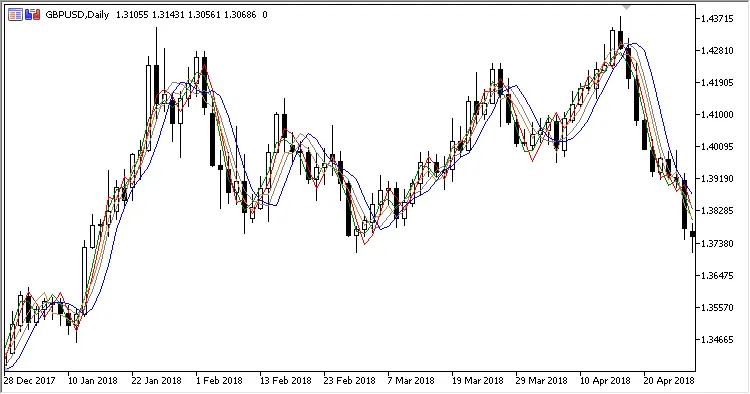
Fig. 1. Overview of all three modes
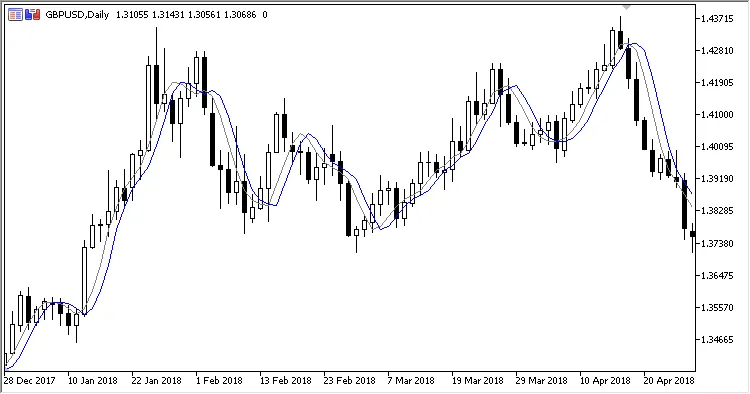
Fig. 2. iMAX Mode
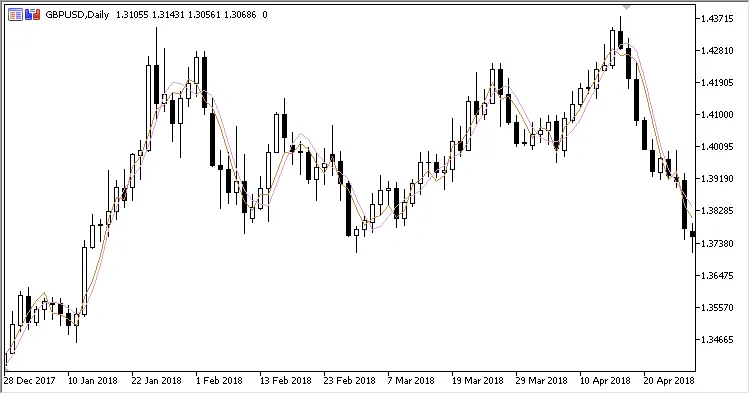
Fig. 3. HP Mode
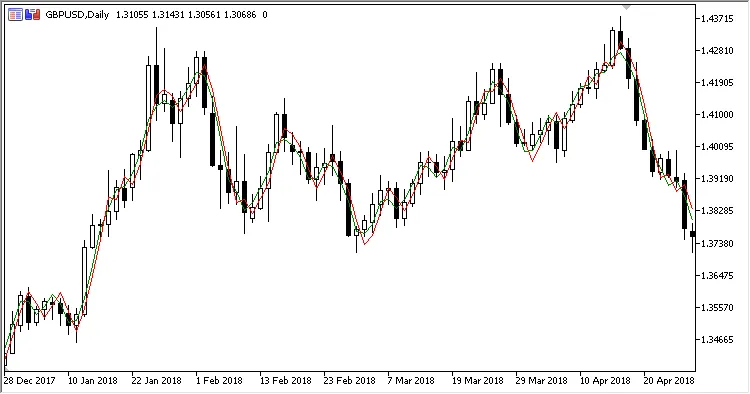
Fig. 4. HPX Mode