Technical Indicator

Discover AllAverages v4.9: The Essential Indicator for MetaTrader 4
MetaTrader4
Discover AllAverages v4.9: The Essential Indicator for MetaTrader 4

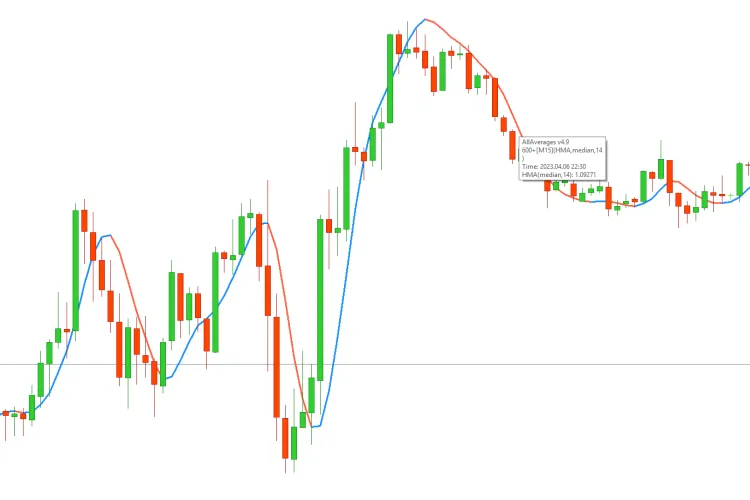
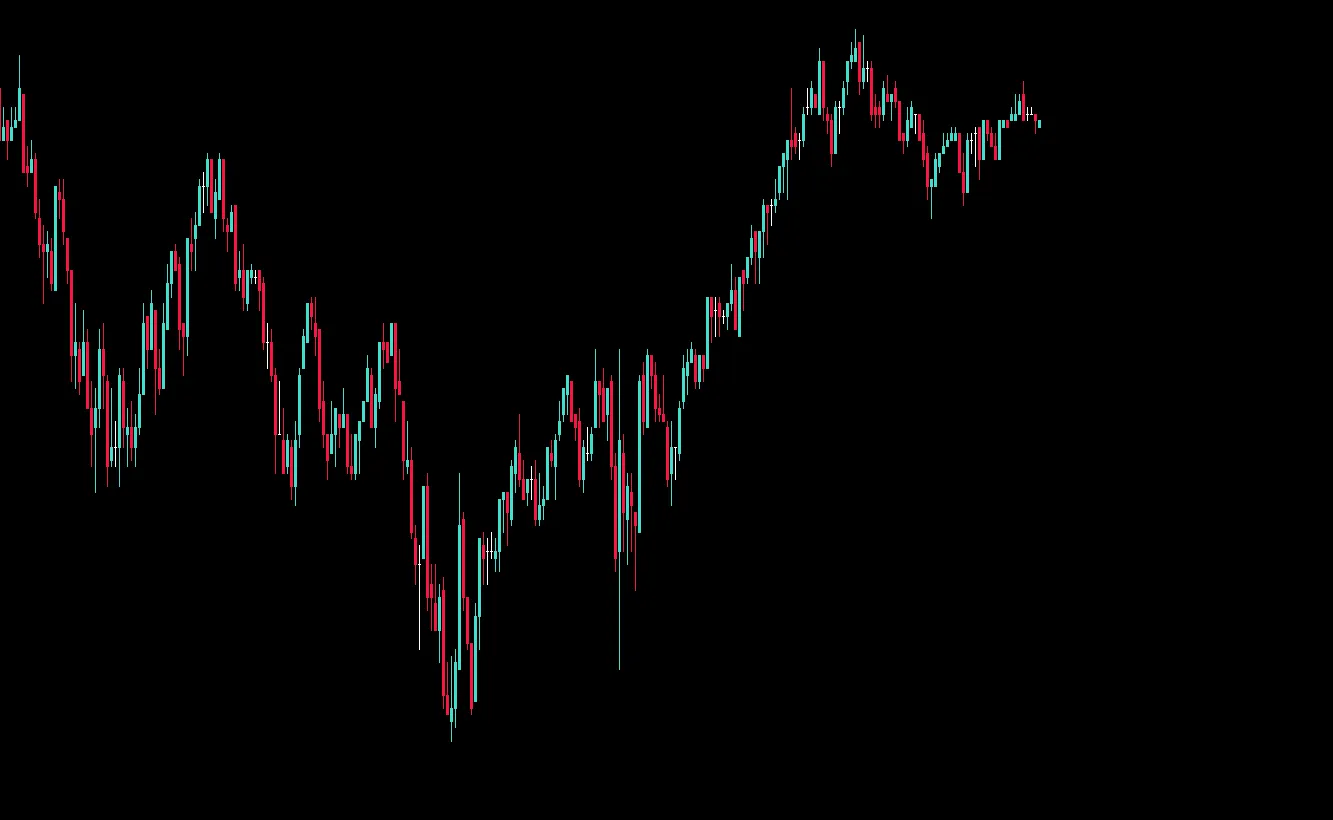
If you're on the lookout for powerful analytical tools, you've come to the right place! While this AllAverages v4.9 indicator isn't my own creation, it's a gem that's not readily available on the MQL5 forum, which is why I felt compelled to share it here. Personally, I’ve been leveraging various moving average modifications in my trading strategies, and this one has definitely caught my eye. Available Moving Average Formulas SMA: Simple Moving Average EMA: Exponential Moving Average Wilder: Wilder Exponential Moving Average LWMA: Linear Weighted Moving Average SineWMA: Sine Weighted Moving Average TriMA: Triangular Moving Average LSMA: Least Square Moving Average (or EPMA, Linear Regression Line) SMMA: Smoothed Moving Average HMA: Hull Moving Average by A. Hull ZeroLagEMA: Zero-Lag Exponential Moving Average DEMA: Double Exponential Moving Average by P. Mulloy T3_basic: T3 by T. Tillson (original version) ITrend: Instantaneous Trendline by J. Ehlers Median: Moving Median GeoMean: Geometric Mean REMA: Regularized EMA by C. Satchwell ILRS: Integral of Linear Regression Slope IE_2: Combination of LSMA and ILRS TriMAgen: Triangular Moving Average generalized by J. Ehlers VWMA: Volume Weighted Moving Average JSmooth: M. Jurik's Smoothing SMA_eq: Simplified SMA ALMA: Arnaud Legoux Moving Average TEMA: Triple Exponential Moving Average by P. Mulloy T3: T3 by T. Tillson (correct version) Laguerre: Laguerre filter by J. Ehlers MD: McGinley Dynamic BF2P: Two-pole modified Butterworth filter by J. Ehlers BF3P: Three-pole modified Butterworth filter by J. Ehlers SuperSmu: SuperSmoother by J. Ehlers Decycler: Simple Decycler by J. Ehlers eVWMA: Modified eVWMA EWMA: Exponential Weighted Moving Average DsEMA: Double Smoothed EMA TsEMA: Triple Smoothed EMA VEMA: Volume-weighted Exponential Moving Average (V-EMA) Price Options for Moving Averages Close: Close price Open: Open price High: High price Low: Low price Median: Median price Typical: Typical price Weighted Close: Weighted Close Median Body: (Open + Close)/2 Average: (High + Low + Open + Close)/4 Trend Biased: Trend Biased price Heiken Ashi Close: Heiken Ashi Close price Heiken Ashi Open: Heiken Ashi Open price Heiken Ashi High: Heiken Ashi High price Heiken Ashi Low: Heiken Ashi Low price Heiken Ashi Median: Heiken Ashi Median price Heiken Ashi Typical: Heiken Ashi Typical price Heiken Ashi Weighted Close: Heiken Ashi Weighted Close price Heiken Ashi Median Body: Heiken Ashi Median Body Heiken Ashi Average: Heiken Ashi Average price Heiken Ashi Trend Biased: Heiken Ashi Trend Biased price Configuration Settings TimeFrame: Choose your timeframe (default = 0) Price: Select price type (default = 0) MA_Period: Set the averaging period for the moving average (default = 14) MA_Shift: Shift the moving average by a specified number of periods (default = 0) MA_Method: Select your moving average formula (default = SMA) ShowInColor: Enable or disable color rendering (default = true) Number of Bars Counted: Specify how many candles to plot (default = 0 for all) Alerts, Emails & Notifications AlertOn: Enable sound alerts for MA direction changes (default = false) AlertShift: Set the period shift for alerts (default = 1) SoundsNumber: Number of sound alerts (default = 5) SoundsPause: Pause between sound alerts (default = 5 seconds) UpTrendSound: Choose sound file for uptrend alert (default = "alert.wav") DnTrendSound: Choose sound file for downtrend alert (default = "alert2.wav") EmailOn: Enable email notifications (default = false) EmailsNumber: Number of email alerts to send (default = 1) PushNotificationOn: Enable push notifications to your phone (default = false)

2023.04.16
Mastering the Elder Impulse System: A Guide for MetaTrader 4 Traders
MetaTrader4
Mastering the Elder Impulse System: A Guide for MetaTrader 4 Traders

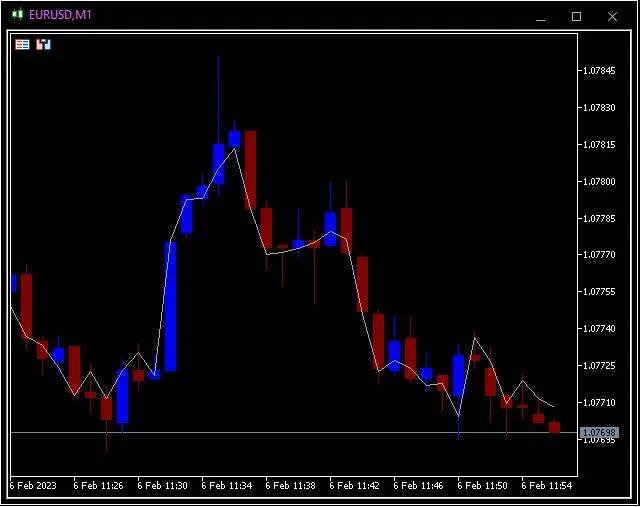
Unlocking the Power of the Elder Impulse System If you're looking to elevate your trading strategy on MetaTrader 4, the Elder Impulse System is worth your attention. This powerful indicator helps identify market trends and signals for potential entries and exits. Let’s dive into how it works and why it might be the perfect addition to your trading toolkit. What is the Elder Impulse System? The Elder Impulse System was developed by renowned trader Dr. Alexander Elder. It combines candlestick patterns with a trend-following approach to create a robust trading strategy. Here’s how it breaks down: Trend Identification: The system uses moving averages to determine the overall market direction. Candlestick Analysis: It incorporates specific candlestick formations to confirm entries and exits. Signal Generation: The combination of these elements provides clear buy or sell signals, making decision-making simpler and more effective. Why Use the Elder Impulse System? This system is not just another indicator; it's a comprehensive trading strategy that can enhance your trading performance. Here are a few reasons to give it a shot: Easy to Understand: Even if you’re new to trading, the concepts are straightforward. Visual Clarity: The signals generated are easy to spot on your charts, allowing for quick decision-making. Adaptable: Whether you’re day trading or swing trading, this system can be tailored to fit your style. Getting Started with the Elder Impulse System To get started with this system on MetaTrader 4, you'll need to download the indicator and install it on your platform. Once set up, you can begin analyzing your charts and looking for those vital signals. Remember to backtest your strategy to understand how it performs in different market conditions. In conclusion, the Elder Impulse System is a fantastic tool for traders at all levels. By leveraging its trend-following capability and candlestick signals, you can make more informed trading decisions. Happy trading!

2023.04.02
Mastering Support and Resistance Levels with this MetaTrader 4 Indicator
MetaTrader4
Mastering Support and Resistance Levels with this MetaTrader 4 Indicator

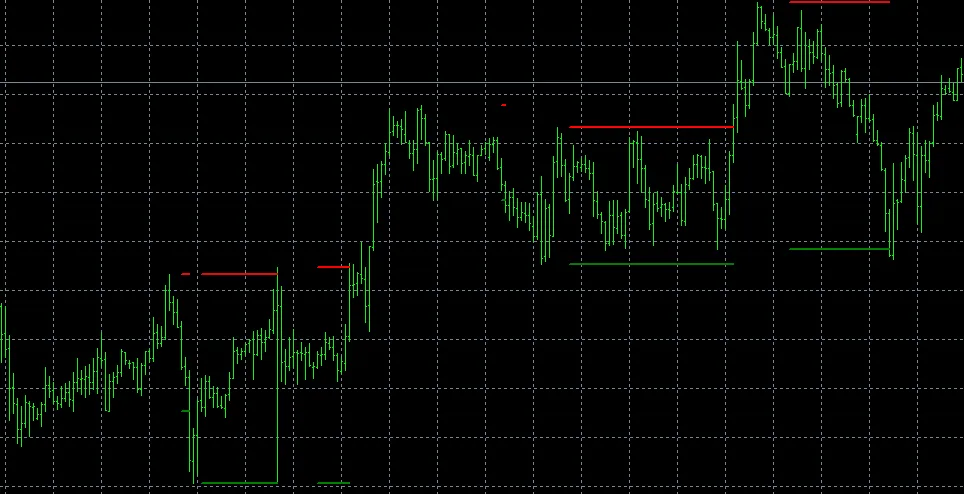
Hey fellow traders! Today, let’s dive into a handy tool that can really sharpen your trading game—the Support and Resistance Indicator for MetaTrader 4. If you’ve ever struggled to pinpoint those critical levels, this might just be the solution you've been looking for. The core concept here is simple: this indicator helps you identify support and resistance levels, which are essential for making informed trading decisions. Unlike many other indicators out there, this one is straightforward and effective. It calculates and displays these levels directly on your chart, and the best part? If the price fluctuates between these levels, they stay put, giving you a reliable reference as you trade. Now, let’s talk about how it works. There are two main input parameters you’ll want to adjust: Period and Overlook. The indicator scans for the highest and lowest prices, ensuring they’re the highest or lowest over the last (Period) bars and also over the (Period + Overlook) bars. If it identifies both a peak and a trough, it marks them on your chart. One thing to keep in mind is that the i parameter in the OnCalculate function should always start from the sum of Period and Overlook. This ensures that the calculations are accurate and up to date. I recommend setting your parameters to: Period: 20 and Overlook: 10. This configuration has worked well for many traders, but feel free to tweak it based on your trading style.   

2023.01.27
First Previous 17 18 19 20 21 22 23 24 25 26 27 Next Last