
Hey there, fellow traders! Today, we’re diving into a nifty tool you can add to your MetaTrader 5 setup—the Price Indicator. This handy feature places a price label right next to the current market price, making it easier for you to keep track of your trades.
Customizing Your Price Indicator
One of the best things about the Price Indicator is that you can customize it to fit your trading style. Here’s a quick rundown of the adjustable input parameters:
//+----------------------------------------------+//| Indicator input parameters |//+----------------------------------------------+inputstring SirName="Price"; //The first part of the name of graphical objectsinput PriceMode Price=BID; //Price determining methodinputuint Digits_=0; //Digits to roundinputcolor Color_= clrMagenta; //Price colorinputuint FontSize = 2; //The color of price labelsinputint Shift = 10; //Horizontal shift of price labels in bars
Visualizing the Indicator
To give you an idea of what this looks like in action, check out the image below:
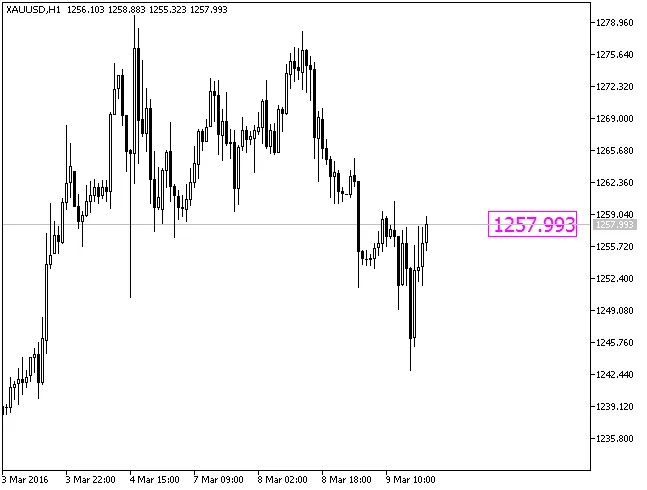
Fig.1. The Price indicator
By utilizing the Price Indicator, you can enhance your trading experience and make more informed decisions. So, give it a shot and see how it works for you!




Comments 0