
Hey traders! Today, let’s dive into a handy tool that can enhance your trading strategy: the Dynamic Trading Channel Indicator for MetaTrader 5. This indicator automatically calculates the trading channel for each bar throughout the trading day, allowing you to better understand market movements.
You can customize the start of your trading day by specifying the hour and minute. Here are the two key input parameters:
- Hour of the beginning of the day: Set the hour for when your trading day kicks off.
- Minute of the beginning of the day: Specify the minute to pinpoint your trading day start.
Keep in mind that when you’re working with smaller timeframes, the indicator may take a little time to process its initial calculations. So be patient as it gets up and running!
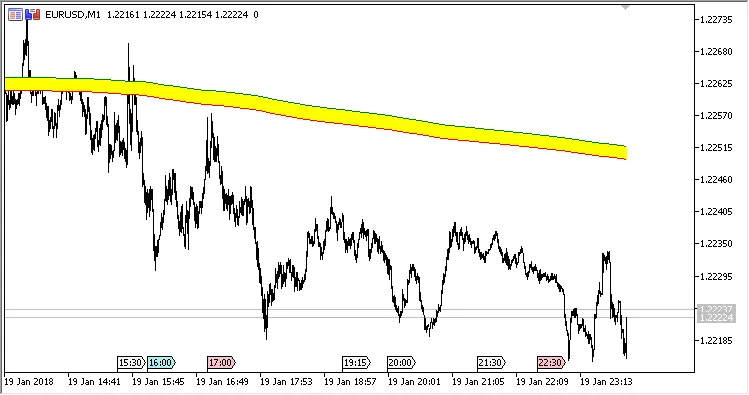
Fig.1 The M1 chart

Fig.2 The M5 chart

Fig.3 The M15 chart
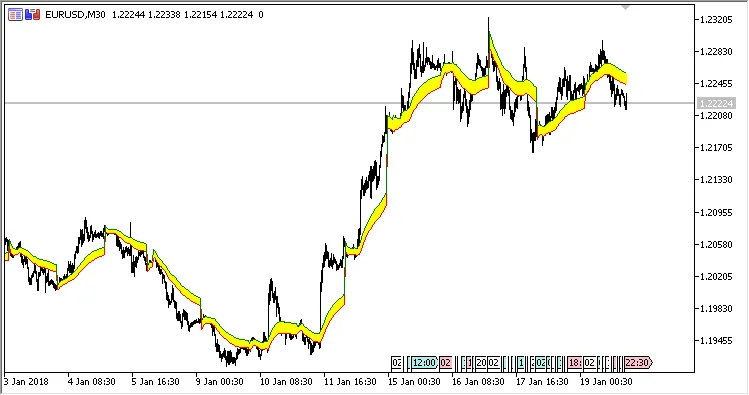
Fig.4 The M30 chart

Fig.5 The H1 chart
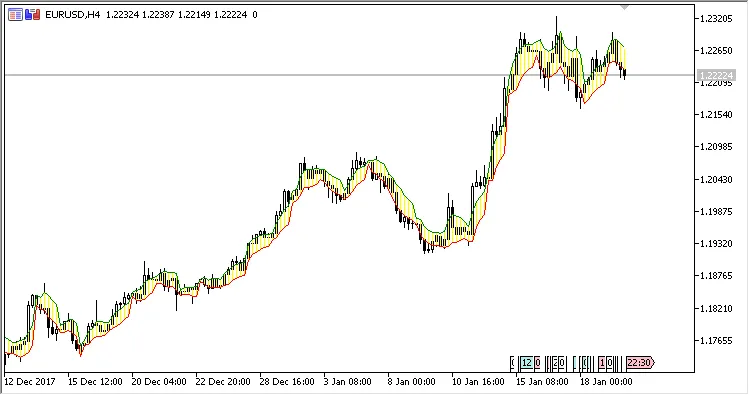
Fig.6 The H4 chart
Related Posts
- Unlocking MetaCOT 2: Your Ultimate CFTC Indicator Toolkit for MT4
- Visualize Current Trends Across All Time Frames with This MetaTrader 4 Indicator
- Unlocking the Power of Master Tools for MetaTrader 4
- Unlock Trading Insights with Volume Profile + Range v6.0 for MetaTrader 5
- Mastering the Open Range Breakout Indicator for MetaTrader 5