
If you’re looking to enhance your trading strategies, the BrainTrend2Stop indicator is a must-have tool for your MetaTrader 5 setup. This nifty indicator offers a timeframe selection option right in its input parameters, making it versatile for various trading styles.
input ENUM_TIMEFRAMES TimeFrame=PERIOD_H4; // The indicator chart period (timeframe)
To get the BrainTrend2Stop up and running, you’ll need to ensure that the BrainTrend2Stop.ex5 file is placed in your <terminal_data_directory>\MQL5\Indicators folder. This step is crucial for the indicator to function properly on your charts.
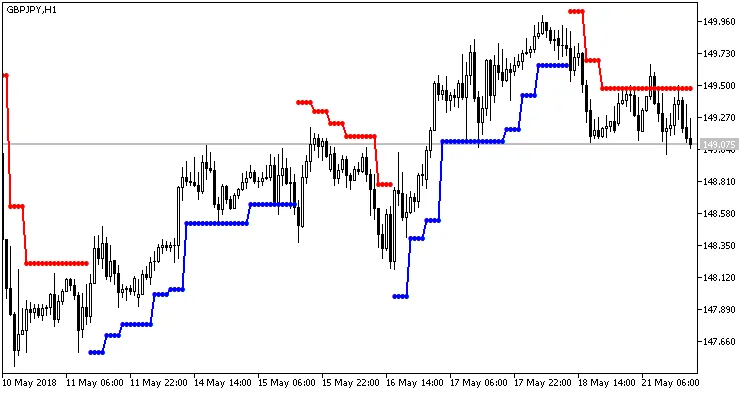
Fig.1. Indicator BrainTrend2Stop_HTF
Related Posts
- Unlocking MetaCOT 2: Your Ultimate CFTC Indicator Toolkit for MT4
- Visualize Current Trends Across All Time Frames with This MetaTrader 4 Indicator
- Unlocking the BrainTrend2SigAlert for MetaTrader 5: Your Go-To Indicator
- Unlocking the Power of Master Tools for MetaTrader 4
- Maximize Your Trading Potential with the ColorX2MA_Alert Indicator for MetaTrader 5