
Part 6: Trading Automation
Welcome back to our series on MQL5 Programming for Traders! In this segment, we're diving into the exciting world of trading automation. This part is crucial for anyone looking to enhance their trading game with Expert Advisors (EAs) in MetaTrader 5.
We'll kick things off by exploring some essential components of the MQL5 language, starting with the basics like financial instrument specifications and trading account settings. Understanding these elements is key to creating EAs that work seamlessly. After that, we'll delve into built-in functions, data structures, and the robot-specific events that make up the backbone of Expert Advisor operations in the strategy tester.
The MetaTrader 5 Strategy Tester is a game-changer for developing trading robots. It allows you to evaluate performance and fine-tune your strategies effectively. You'll have access to vital tools for debugging in various modes, including visual testing with bars or ticks, whether they're modeled or real. Plus, you can visually reproduce the flow of quotes, or even run tests without the visual interface!
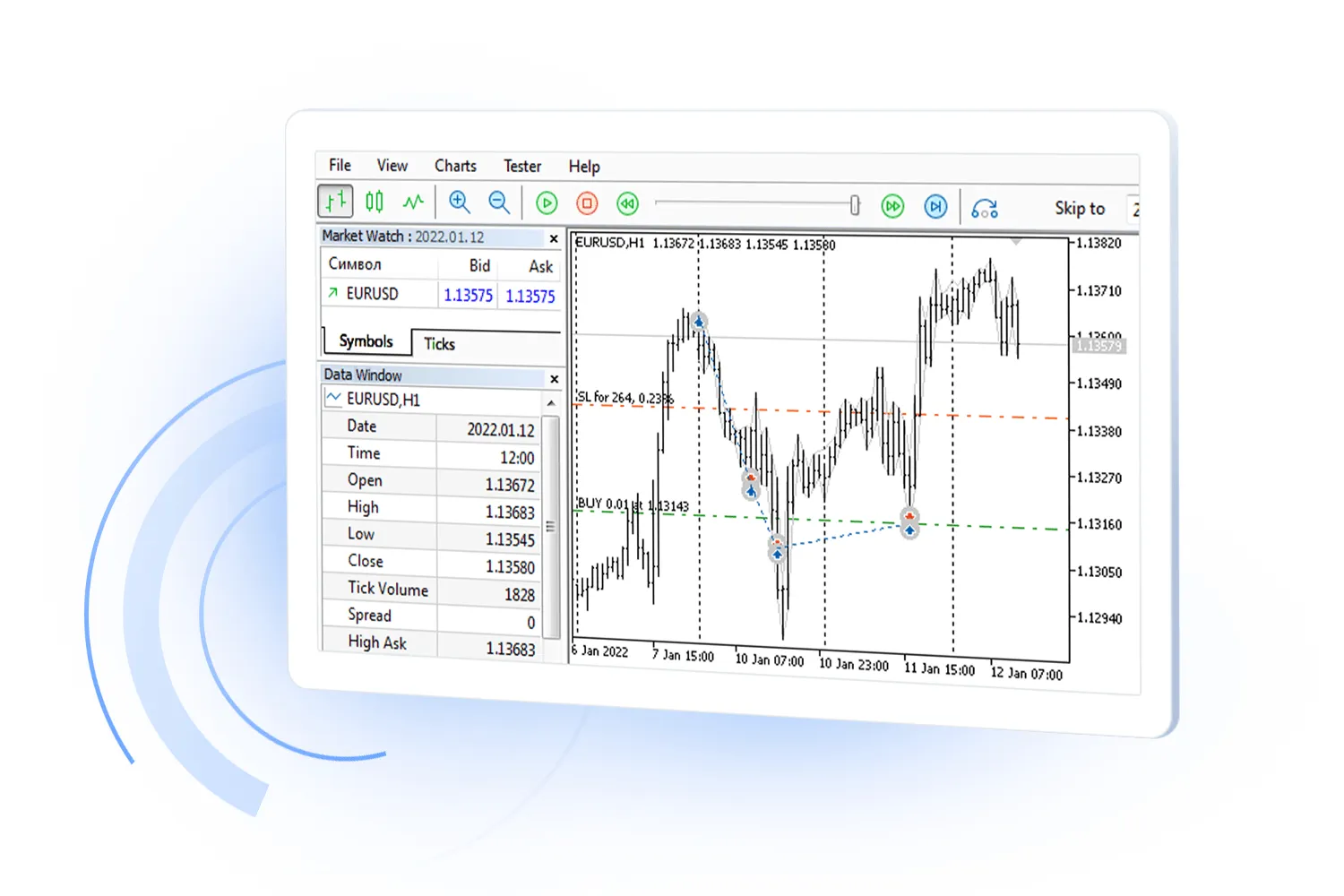
In our previous discussions, we touched on testing indicators in visual mode, but let's face it – the options are quite limited there. When we develop EAs, we unlock the full potential of the strategy tester's capabilities.
Moving on, we’ll also take a closer look at how market data is represented, specifically through the Depth of Market (DOM) and its software interface. MetaTrader 5 gives you the tools to analyze and trade various financial instruments (symbols) that are the foundation of all terminal subsystems.
Users can pick from a list of symbols provided by their broker and keep an eye on them in the Market Watch. With the MQL5 API, you can easily view and analyze all symbol characteristics, adding or removing them from your Market Watch as needed.
And it doesn’t stop there! In addition to the standard symbols your broker provides, MetaTrader 5 allows you to create custom symbols. You can load their properties and quoting history from various data sources or even calculate them using formulas and MQL5 programs.




Comments 0