
If you're looking for a way to gauge market changes, the YURAZ_MCCH calculation indicator might just be the tool you need. This nifty indicator calculates the percentage growth or decline from the closing price, all thanks to some smart object-oriented programming. Best of all, it can be seamlessly integrated into any trading system or indicator you might be using.
- Change Percentage Calculation: The indicator computes the CH% to show the percentage change from the previous day's closing price.
- Chart Integration: It creates visual objects right on your chart, making it easy to keep track of changes.
- Easy Integration: Integrating it into your existing trading systems or indicators is a breeze. Just define a class and activate it!
With this indicator, you can also estimate the code size when integrating it into another trading system or indicator.
Here's a quick look at how it works:
CChmcYZ chmc;
To calculate the current day's CH%, you can use:
chmc.RCHsay("EURUSD", TimeCurrent() - 86400 * 5, TimeCurrent(), 5, 16); // calculate CH%Object-oriented programming opens up a world of possibilities, allowing you to create the necessary classes and build your trading strategy effectively.
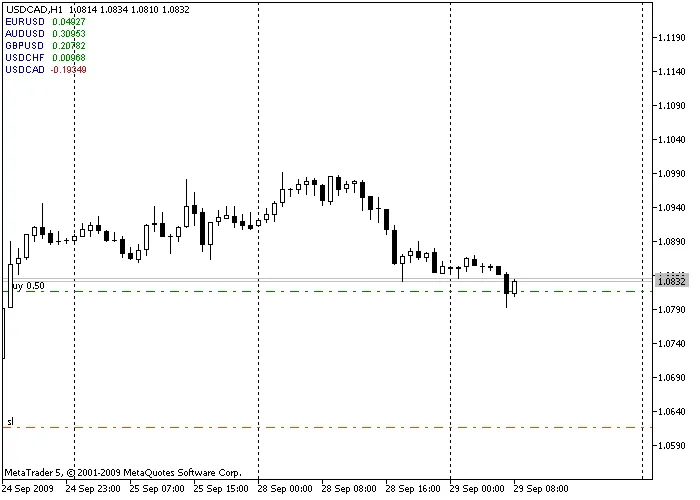
To sum it up, the YURAZ_MCCH calculation indicator is a powerful ally in your trading arsenal. It helps you visualize changes in the market, allowing you to make informed decisions quickly. So why not give it a try and see how it fits into your trading routine?




Comments 0