
Hey traders! Today, let’s dive into a handy indicator that can really sharpen your analysis on MetaTrader 4: the Candle Size indicator. This tool helps you identify candlesticks that are larger than a size you specify, making it easier to spot significant price movements on your charts.
So, how does it work? You have two options for measuring candlestick size:
- Points: This measures size in points. For those of you trading with a five-digit quote, remember that a point equals 0.00001.
- Percentages: This option lets you calculate the candlestick size as a percentage.
Next, you can decide what values you want to measure. Here’s a quick rundown of your choices:
- High/Low: This measures the distance between the highest and lowest points of the candlestick.
- Open/Close: This focuses on the range between the opening and closing prices.
- Upper Shadow: This captures the size of the upper shadow of the candlestick.
- Lower Shadow: This measures the size of the lower shadow.
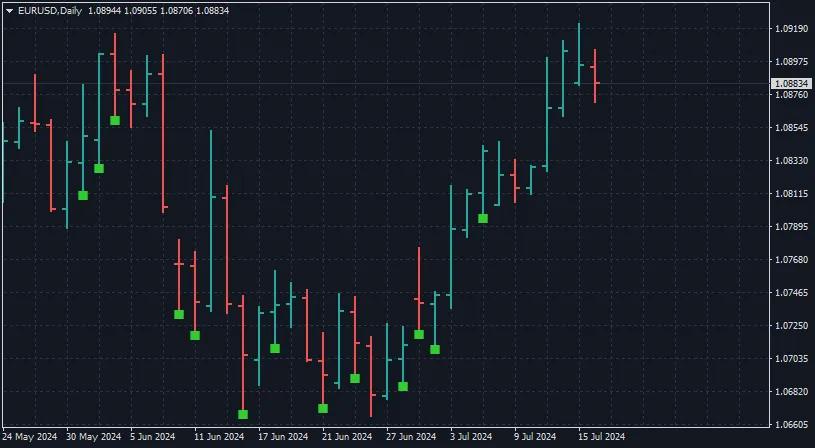
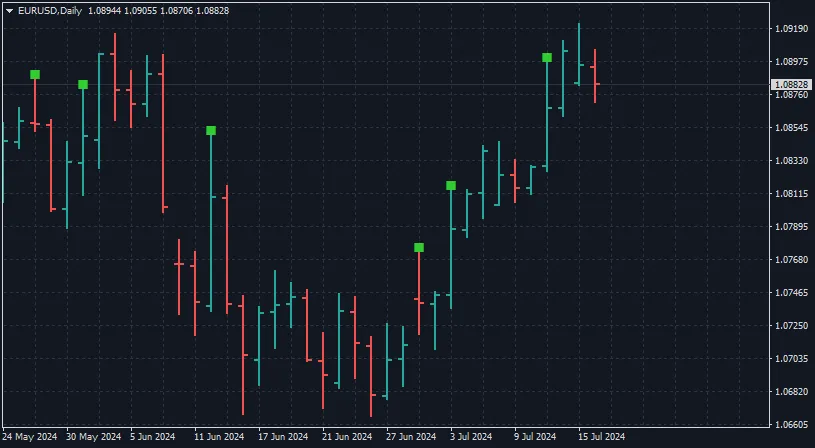
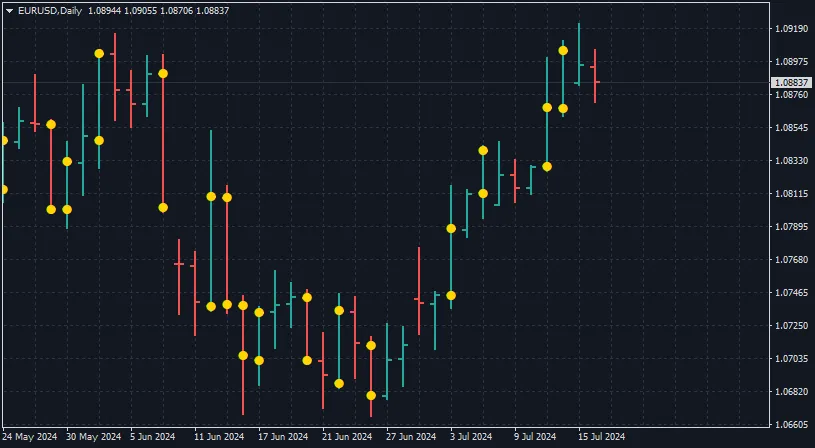
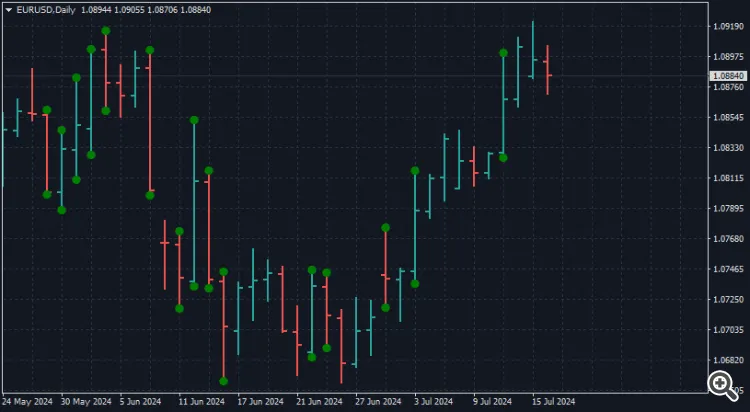
Once you've chosen your measurement option, set your desired candlestick size level using the Size Definitions parameter in the indicator. If the indicator spots a candle that meets your criteria, it will mark it on the chart using your chosen method. This feature can be a game-changer for your trading strategy, helping you identify potential trade setups at a glance!
Check out the visuals below to see the Candle Size indicator in action:




Comments 0