
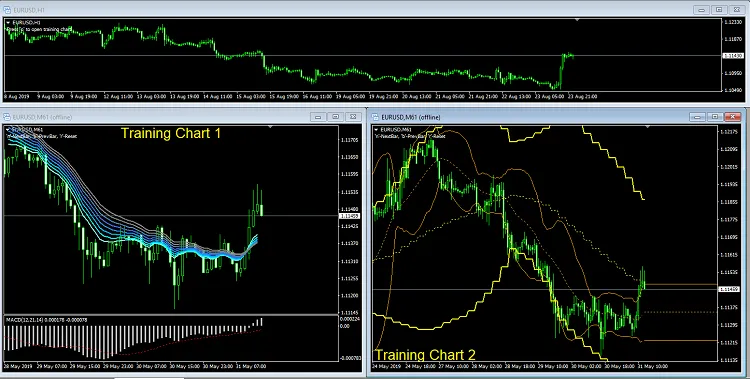
If you're looking to elevate your trading game, the Training Chart Generator and Controller for MetaTrader 4 are essential tools in your arsenal. Let’s break down what you need to get started.
What You Need:
- TrainingChartGenerator.mq4: This is the first indicator you'll want to add to your main trading chart. It serves as the foundation for all your bars, enabling you to analyze price movements effectively.
- TrainingChartController.mq4: This second indicator is your control panel. By adding it to your training chart, you can easily navigate through time—moving forward, backward, or even resetting to a specific date and time.
With these two indicators, you’ll be able to simulate trading scenarios and refine your strategies like a pro. It’s all about gaining that edge in the market, and these tools can help you do just that!




Comments 0