
If you're a trader looking to stay on top of the market, the ClockAnalog indicator for MetaTrader 4 is a must-have tool. This nifty 24-hour analog GMT (UTC) market clock displays in the background, giving you a clear view of the Greenwich Mean Time while also showing the status of all major stock exchanges according to their trading schedules.
Here's a quick look at the stock exchanges the clock covers:
- Tokyo
- Singapore
- Shanghai
- Dubai
- Moscow
- Johannesburg
- London
- Zürich
- Frankfurt
- Riyadh
- New York
- Toronto
- Chicago
- Wellington
- Sydney
Keep in mind how daylight saving time affects trading hours:
- Second Sunday in March: New York, Toronto, Chicago switch to daylight saving time.
- Last Sunday in March: London, Zürich, Frankfurt switch to daylight saving time.
- First Sunday in April: Wellington, Sydney transition to standard time.
- Last Sunday in September: Wellington reverts to daylight saving time.
- First Sunday in October: Sydney transitions to daylight saving time.
- Last Sunday in October: London, Zürich, Frankfurt transition back to standard time.
- First Sunday in November: New York, Toronto, Chicago revert to standard time.
Stock Exchange Working Hours in GMT: (Source: stocktime.ru)
- Tokyo: Open — 0:00, Close — 6:00
- Singapore: Open — 1:00, Close — 9:00
- Shanghai: Open — 1:30, Close — 7:00
- Dubai: Open — 6:00, Close — 10:00
- Moscow: Open — 6:00, Close — 14:45
- Johannesburg: Open — 7:00, Close — 15:00
- Riyadh: Open — 8:00, Close — 12:30
- London, Zürich, Frankfurt: Standard time: Open — 8:00, Close — 16:30; Daylight saving time: Open — 7:00, Close — 15:30
- New York, Toronto, Chicago: Standard time: Open — 14:30, Close — 21:00; Daylight saving time: Open — 13:30, Close — 20:00
- Wellington: Standard time: Open — 22:00, Close — 04:45; Daylight saving time: Open — 21:00, Close — 03:45
- Sydney: Standard time: Open — 00:00, Close — 06:00; Daylight saving time: Open — 23:00, Close — 05:00
The ClockAnalog indicator comes with two color schemes to match your trading background, whether it's white or black. Plus, you can customize the second hand color and style in the settings to make it your own.
Button Functions:
Move:
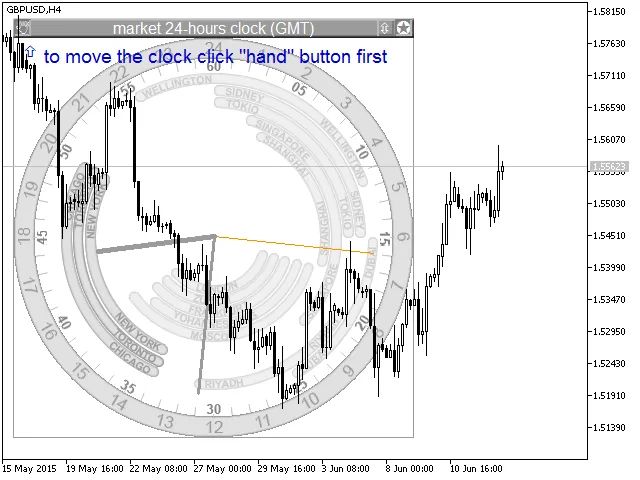
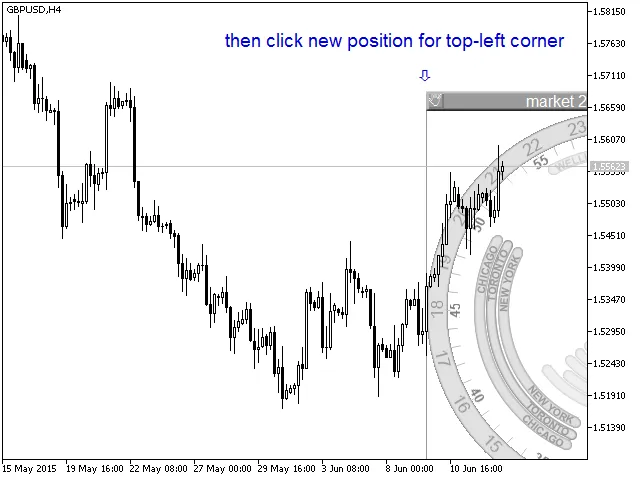
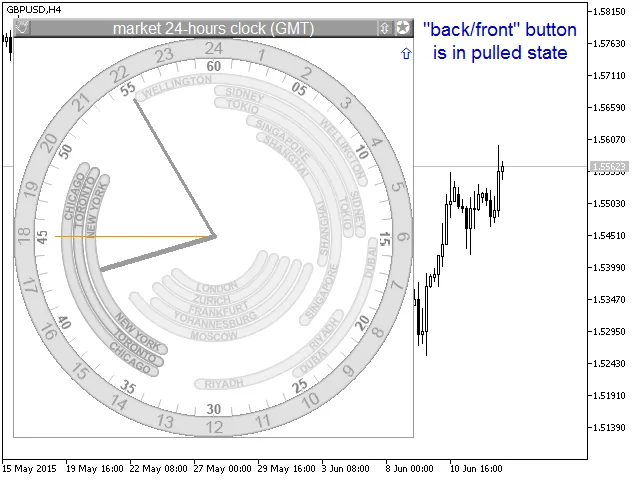
Bring to Front:
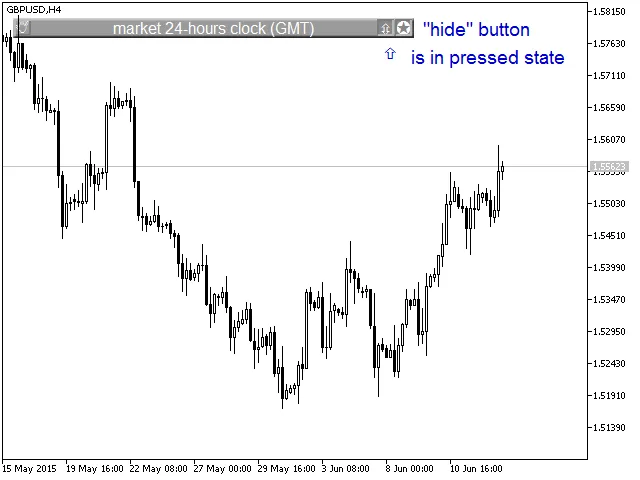
Hide: (Note: Move function doesn’t work when the clock is hidden.)
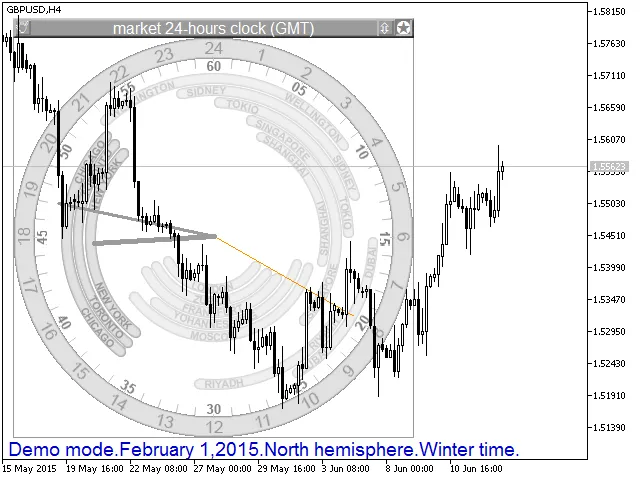
The demo mode allows you to display opening and closing hours for any date, which can be super handy for planning your trades:
File Location:
- Extract the ClockAnalog.zip archive containing images in BMP format to the /Images folder while maintaining the folder structure. You should have a /Images/ClockAnalog folder with the following sub-folders: /104 (32 files), /110 (36 files), /111 (34 files), /203 (36 files), /403 (36 files), /409 (32 files); and /Images/ClockAnalog should contain 5 BMP files.
- Place the MQH files in the /Include/ClockAnalog directory.
- Feel free to put ClockAnalog.mq4 in any indicator folder you prefer, like /Indicators/My.
Related Posts
- Unlocking the Power of Master Tools for MetaTrader 4
- Unlocking MetaCOT 2: Your Ultimate CFTC Indicator Toolkit for MT4
- Mastering the Open Range Breakout Indicator for MetaTrader 5
- Unlock Trading Insights with Volume Profile + Range v6.0 for MetaTrader 5
- ID Lite Info MA: A Comprehensive Indicator for MetaTrader 5