MetaTrader4
Mastering Indicator Testing with Visual Start: A Trader's Guide
Author: Alexander Pak
In the world of trading, understanding the behavior of indicators is crucial. Today, I’m sharing a method to test the redrawing of popular indicators like FxmFish, ZigZag, NonLagZigZag, AFIRMA, and TREND_alexcud. This technique will help you visualize their dynamics more effectively.
Many indicators tend to redraw on the chart with each new bar, making it challenging to accurately assess their performance. The method I propose allows you to anchor the last bar (to the right) of the indicator by using a graphical object, which is most conveniently done with a vertical line.
General Instructions:
Insert the provided code into the source code of your indicator.
Locate the calculation cycle and replace the “0” with the variable start.
Be cautious not to replace any values within an array zeroizing cycle.
On your chart, place a vertical line and label it “start”.
Manually move the line while waiting for the indicator to recalculate.
For best results, move from the past to the future, as not all indicators will redraw the right bars.
This means you should first position the “start” line, followed by your indicators.
The indicators will recalculate in two scenarios:
Automatically, when a new tick arrives; or
Manually, by altering any of the indicator properties when no tick is present. To do this, simply open the Properties window and change a color—it's easier than fiddling with numbers!
I know these instructions can feel a bit cumbersome, especially if you’re working with multiple indicators. You may find yourself needing to adjust the properties of each one whenever ticks are absent.
Interestingly, during my testing, I discovered a peculiar quirk: all indicators in your setup will recalculate if there’s an indicator without line calculations in a separate window that calls the function IndicatorDigits(MarketInfo(Symbol(),MODE_DIGITS)). This means that simply changing the properties of such an “empty” indicator can trigger a recalculation across the board.
By accident, I found that TREND_alexcud became the initiating indicator in this scenario. Consequently, I created an additional initiating indicator called Visual_start_All.
Instructions for Testing Multiple Indicators:
To trigger a recalculation for all indicators, simply change the properties of TREND_alexcud or Visual_start_All.
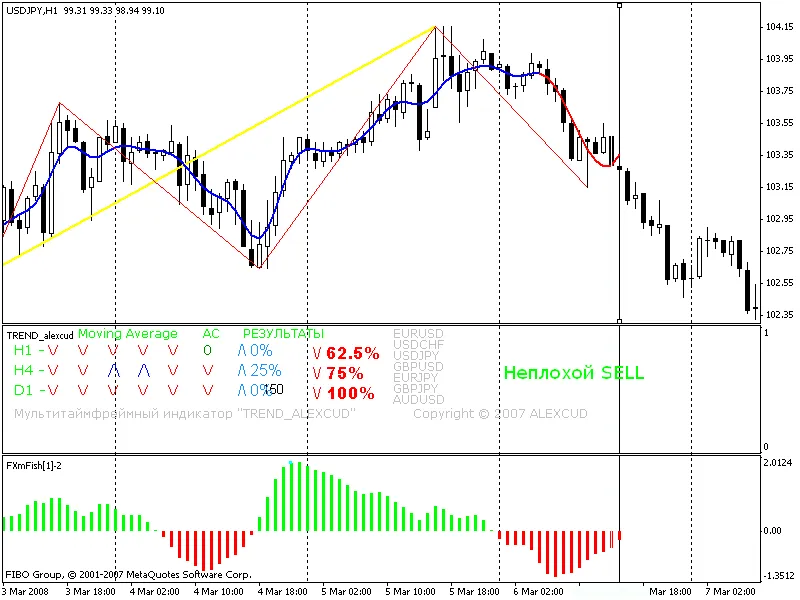
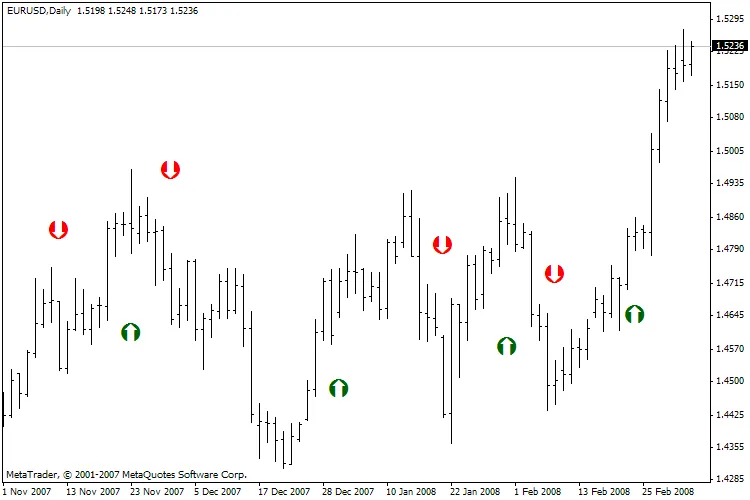
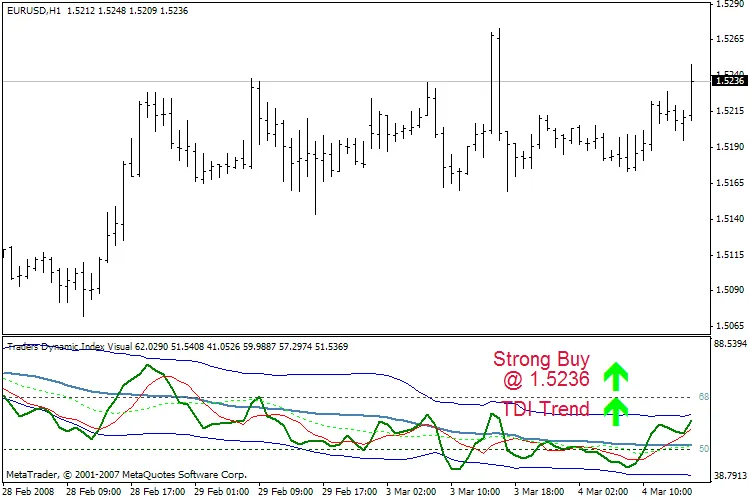
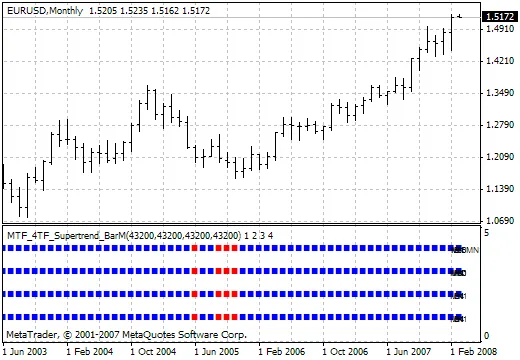
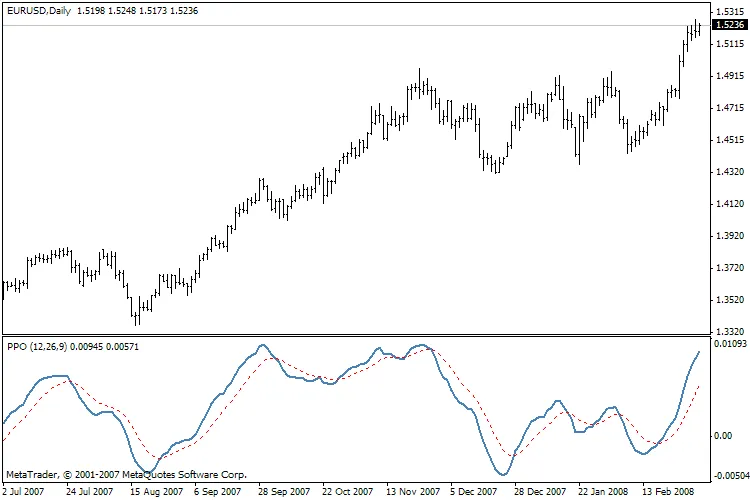
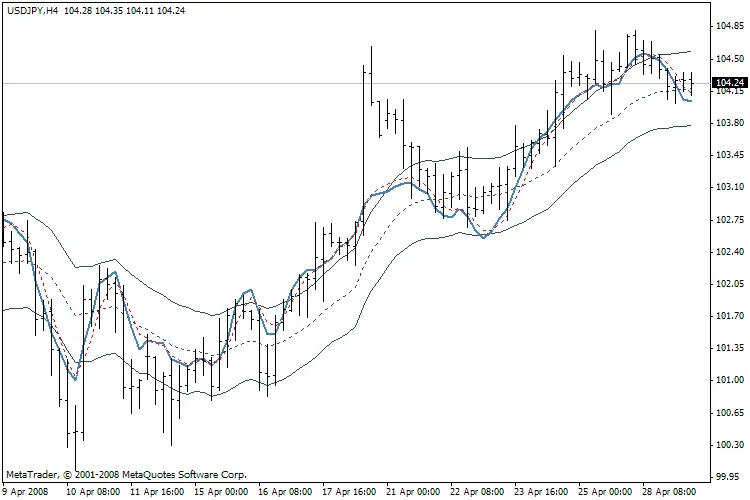
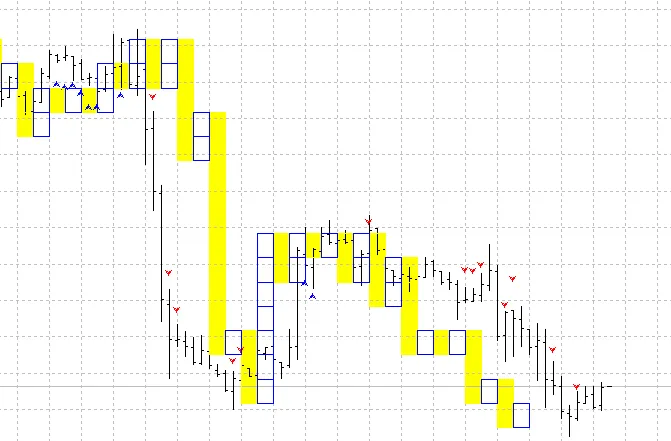
Below, I've uploaded the modified files for Visual_start, which are also illustrated in the figure:
FxmFish
NonLagZigZag - yellow
Standard ZigZag - red line
AFIRMA - two-color representation, blue and red
TREND_alexcud
Happy trading!
— Alexander Pak, Almaty
2008.05.06