
Idea by: Sergey.
MQL5 Code by: Vladimir Karputov.
If you're looking to enhance your trading game, the Stochastic EA for MetaTrader 5 might just be the solution. This expert advisor (EA) leverages the Stochastic indicator to make informed trading decisions. You have the flexibility to turn off Take Profit and Stop Loss levels by setting their value to "0" in the properties. Plus, you can choose to set your position size manually for consistent trading or let the EA calculate it automatically based on your desired risk percentage per trade.
Input Parameters
- Stop Loss - Set your Stop Loss level;
- Take Profit - Set your Take Profit level;
- Trailing Stop - Enable trailing stops;
- Trailing Step - Define your trailing step;
- Lots - Set a permanent lot size (make sure "Risk" is set to zero);
- Risk - Automatically calculates position size based on risk percentage (set "Lots" to zero);
- Stochastic: K-period - Set the K-period for calculations;
- Stochastic: D-period - Set the initial smoothing period;
- Stochastic: Final Smoothing - Specify final smoothing;
- Stochastic: Type of Smoothing - Choose your smoothing type;
- Stochastic: Calculation Method - Select the type of prices;
- Stochastic Signal (Level UP) - Define the upper signal line;
- Stochastic Signal (Level DOWN) - Define the lower signal line;
- Compared Bar - Specify the bar for comparison (the zeroth bar is your reference);
- Magic Number - Assign a unique identifier for this EA.
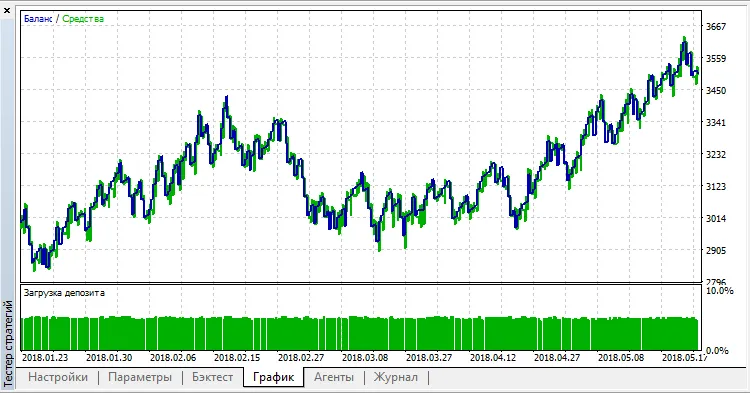
Here's an example of how to launch the EA on the EUR/USD pair with a 15-minute timeframe:




Comments 0