
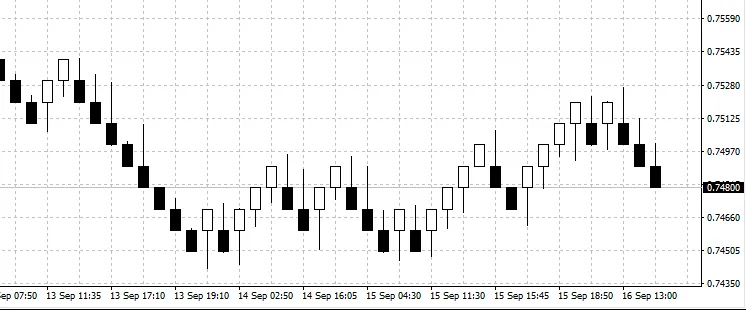
If you’re looking to elevate your trading game, you might want to check out this nifty EA that converts your standard charts into Renko Charts using tick values. Now, let’s get this straight: this EA isn’t designed for auto-trading; its sole purpose is to carry out conversions. What sets it apart from the traditional methods is that it generates Renko blocks based on every tick. In my opinion, that’s the most precise way to go about it!
Traditional methods typically only use high and low values for conversions, but the reality is that the market can experience significant fluctuations that those methods simply miss. Currently, this EA doesn’t update on a live chart, but that’s something I’m working on for the next revision. I’ve also put together a time-dependent Renko indicator, which you can use alongside your regular charts and other indicators. If you’re interested in that, just give me a shout, and I’ll be happy to upload it for you!
How to Use: Just like any other EA, you’ll want to fire it up in the strategy tester. Select the 'symbolname' and go for a shorter timeframe (like M1 or M5). If you’re looking to convert data from a specific time period (for instance, from 2010-01-01 to 2016-01-31), set those dates and hit “start.” An .hst file will be generated in your MetaTrader 4 folder under the “\Tester\Files” subdirectory. Don’t forget to copy this file over to your MetaTrader 4 history folder. You can access it through the menu: “File -> Open offline.” Typically, the generated file will be named something like “symbolname2.hst” (for example, USDJPY2.hst).
Keep in mind that this EA currently generates blocks only through the strategy tester, utilizing simulated ticks provided by MetaTrader 4’s historical data. The values will only become “real” when you use them on MetaTrader 5 or with live data, which I’m still working on.




Comments 0