
Idea by:Devid.
MQL5 code by:barabashkakvn.
If you're trading on MetaTrader 5, you'll want to check out the Auto ADX Expert Advisor (EA). This handy tool utilizes the iADX (Average Directional Movement Index) indicator to help you make informed trading decisions. It sets Stop Loss and Take Profit levels, and you can even enable trailing for your trades. The two primary parameters you'll be tweaking are the ADX Smoothing Period and the ADX Level.
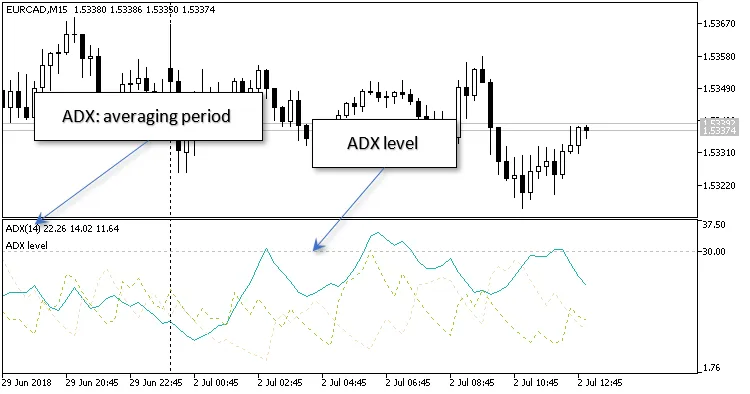
Here are three additional parameters to keep in mind:
- Reverse - Set this to "true" if you want the EA to close a position that goes against the signal.
- Lots - This lets you define the lot size manually, giving you control over your trades.
- Risk - This option calculates the lot size dynamically based on the percentage risk you choose for each trade.
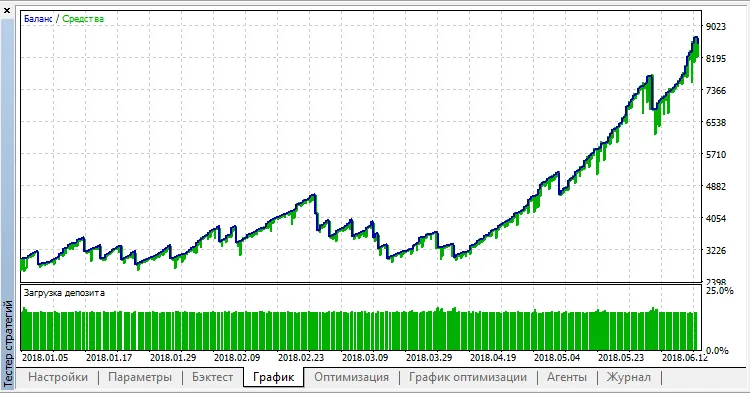
When optimizing for EURUSD on the H1 timeframe, be cautious! The code provided in the CodeBase includes NON-OPTIMIZED parameters, so make sure to adjust them according to your trading strategy.




Comments 0