
Welcome back, fellow traders! Today, let's dive into the Corrected Velocity Indicator for MetaTrader 5. If you’re on the lookout for a tool to enhance your trading strategy, this might just be what you need!
So, what exactly is velocity? Think of it as a smoother take on momentum. It delivers results with minimal lag, making it a reliable option for many traders. The beauty of having both traditional momentum and the corrected version of velocity is that you can pick the one that suits your trading style best. If you’re after speed, momentum is your go-to. But if you prefer filtered values, then velocity is likely your best bet. With both options at your fingertips, you’re in a great position to make informed decisions!
One thing to keep in mind: if you set the correction period to anything less than 0, the outcome will align perfectly with the velocity value.
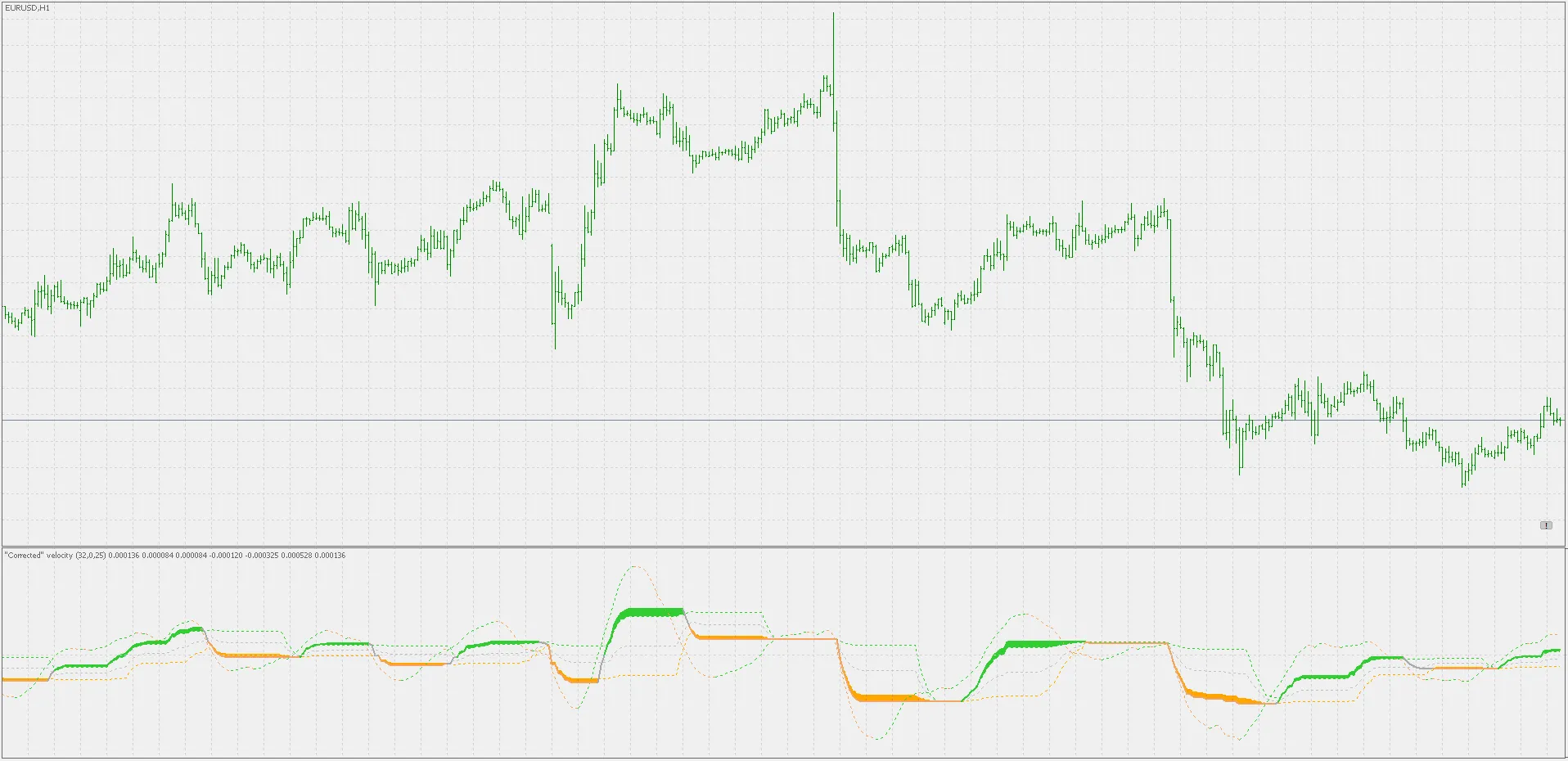
While the velocity indicator already does a stellar job filtering out false signals, the corrected version takes it up a notch. By incorporating floating levels, you can easily track significant changes beyond just zero crosses, giving you more control over the expected lag in your signals.
And here’s a neat feature: alerts are built right in! Depending on your chosen color scheme, these alerts can be triggered based on:
- Crossing outer levels
- Crossing middle levels
- Changes in slope
- Original velocity value crossings when using the corrected value as a signal line
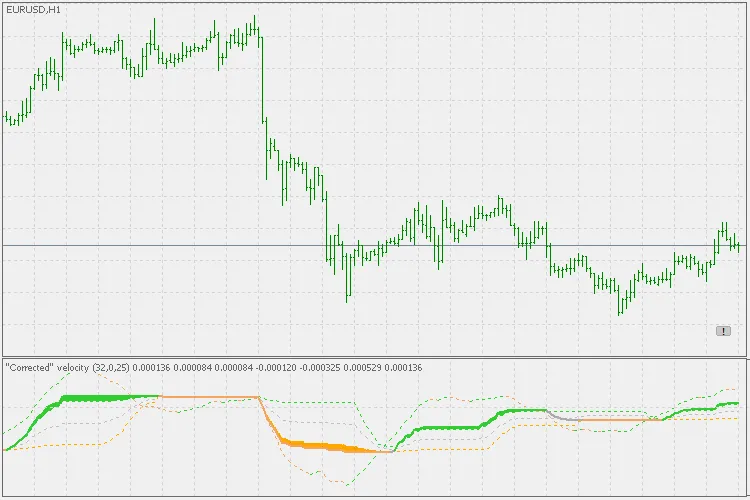
While velocity is part of the momentum family, it can also be effectively utilized in trending scenarios. Just keep that in mind as you incorporate it into your broader trading picture.
Related Posts
- Unlocking MetaCOT 2: Your Ultimate CFTC Indicator Toolkit for MT4
- Visualize Current Trends Across All Time Frames with This MetaTrader 4 Indicator
- Unlocking the Power of Master Tools for MetaTrader 4
- Mastering the MACD Candle Indicator for MetaTrader 4
- Hourly Buffers for Data Collection in MetaTrader 5: A Simple Guide