
Description:
If you're looking to up your trading game, this modified version of the classic Fractals Indicator could be just what you need. With this handy tool, you can customize parameters to pinpoint market tops and bottoms more effectively.
Let’s dive into the settings you can tweak:
- Left Bars: 10;
- Right Bars: 10;
- Shift: 0.
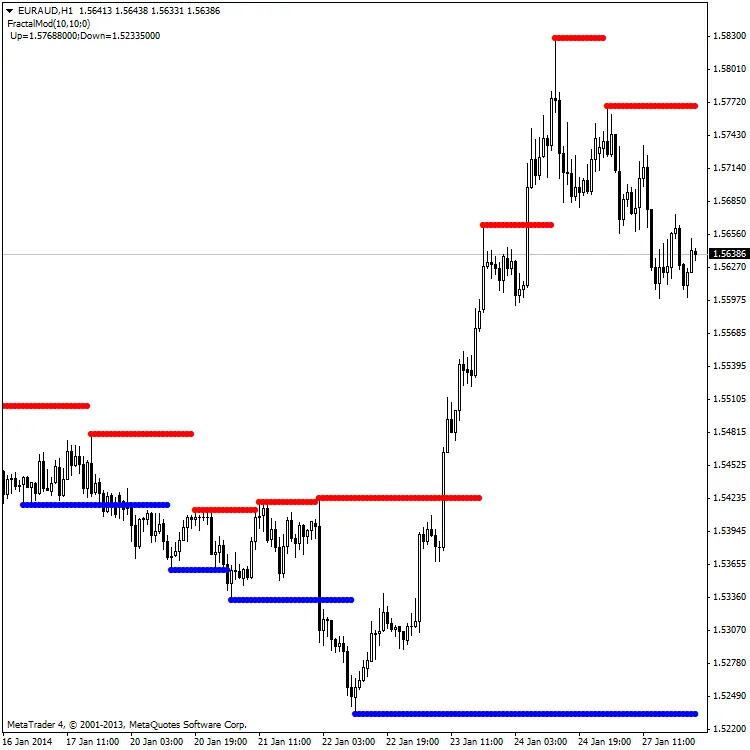
The leftbars and rightbars parameters indicate how many bars you need on either side to establish a top or bottom. Setting the shift parameter to 0 ensures that you get a clear view of these critical levels.
For optimal use of this indicator, it’s important to set the maximum value between leftbars and rightbars. This is the moment when those important tops and bottoms are identified.
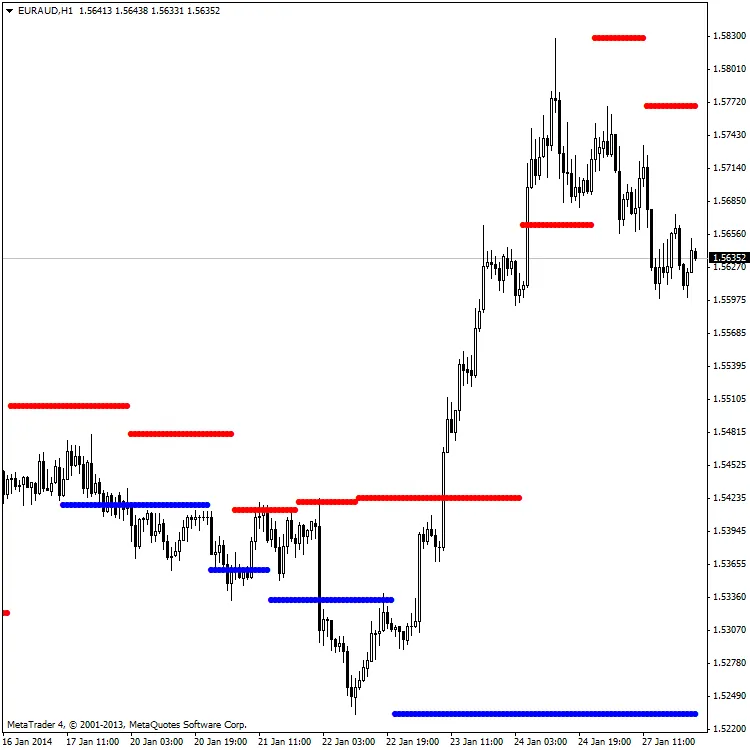
Here's how it looks with different parameters:
- Left Bars: 10;
- Right Bars: 10;
- Shift: 10.
Important Notes:
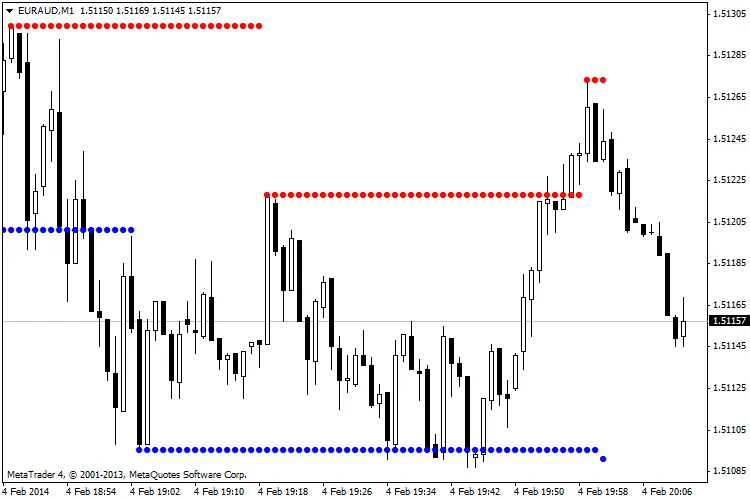
I've also attached a new version of the FractalsMod indicator, which simplifies things by only requiring two external variables: leftbars and rightbars. Check out the chart below with these settings:
- Left Bars: 10;
- Right Bars: 10;
Keep in mind that the indicator doesn’t define bars 0 through rightbars. So, if you want to integrate this in an EA, you'll need to define it as follows:
double FractalsUp = iCustom(NULL,0,"FractalsModv2",leftbars,rightbars,0,rightbars+1);
Or for the downside:
double FractalsDown = iCustom(NULL,0,"FractalsModv2",leftbars,rightbars,1,rightbars+1);
Related Posts
- Visualize Current Trends Across All Time Frames with This MetaTrader 4 Indicator
- Unlocking the Power of Master Tools for MetaTrader 4
- Unlock Trading Insights with Volume Profile + Range v6.0 for MetaTrader 5
- Unlocking MetaCOT 2: Your Ultimate CFTC Indicator Toolkit for MT4
- Mastering the MACD Candle Indicator for MetaTrader 4