
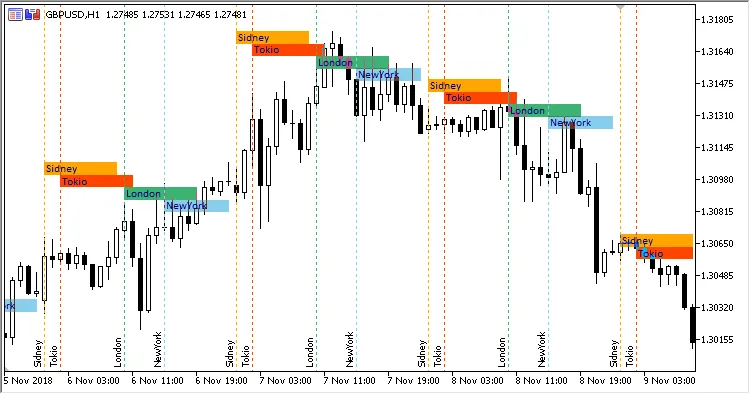
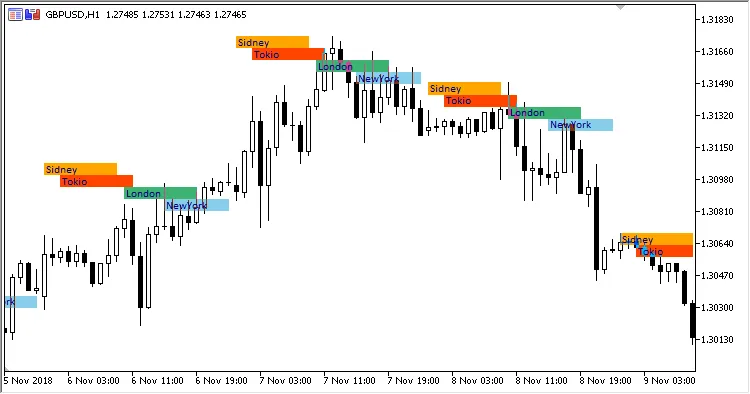
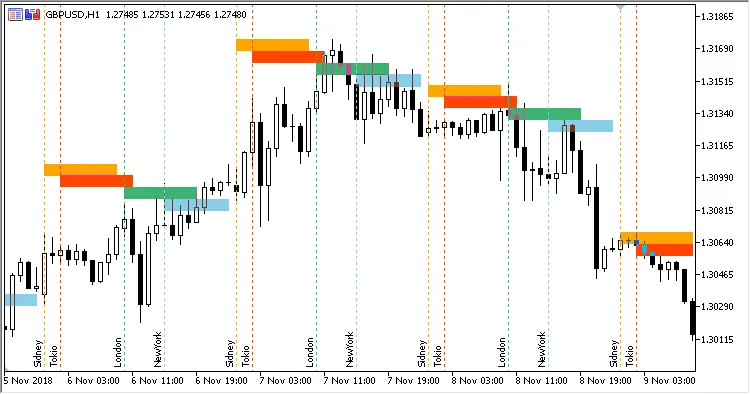
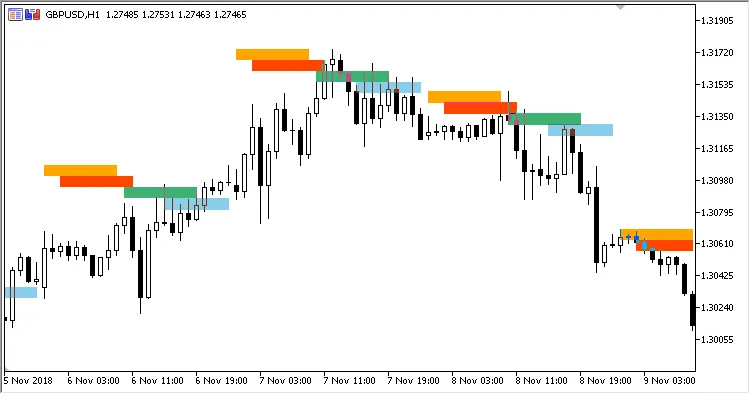
The Market Sessions Indicator is a game-changer for any trader using MetaTrader 5. This tool overlays your price chart with the trading sessions from major financial hubs like New York, London, Tokyo, and Sydney. You can easily customize the start and end times for each session to fit your trading strategy.
Here’s a breakdown of the eighteen adjustable parameters you can tailor:
- Sydney Session Begin: Set the start hour for the Sydney trading session.
- Sydney Session End: Define when the Sydney trading session wraps up.
- Sydney Session Color: Choose the color that represents the Sydney session on your chart.
- Tokyo Session Begin: Mark the start hour for the Tokyo trading session.
- Tokyo Session End: Specify when the Tokyo session concludes.
- Tokyo Session Color: Select the color for the Tokyo session area on the price chart.
- London Session Begin: Indicate the start hour for the London trading session.
- London Session End: Set the end time for the London session.
- London Session Color: Pick the color representing the London session area on your chart.
- New York Session Begin: Define when the New York trading session starts.
- New York Session End: Specify the end time for the New York session.
- New York Session Color: Choose the color for the New York session area on the chart.
- Session Field Height: Adjust the height (in points) of the trading session areas on your chart.
- Show Session Labels: Decide whether to display the names of the trading sessions within their respective areas (Yes/No).
- Font Name: Choose the font for the trading session labels.
- Font Size: Set the size of the font for the session labels.
- Font Color: Select the color for the session label font.
- Show Start Session Lines: Determine whether to display the lines marking the start of each trading session (Yes/No).
Keep in mind that this indicator works best on charts with an H1 timeframe or lower. If you switch to a higher timeframe, it will prompt you to revert back to an hourly chart.




Comments 0