
As a trader, I’ve often found myself wishing for features that make my analysis smoother. One such feature is a Moving Average (MA) that can be toggled on and off with a simple button. While Trading View has this handy option, I couldn't find a similar tool in MetaTrader 5.
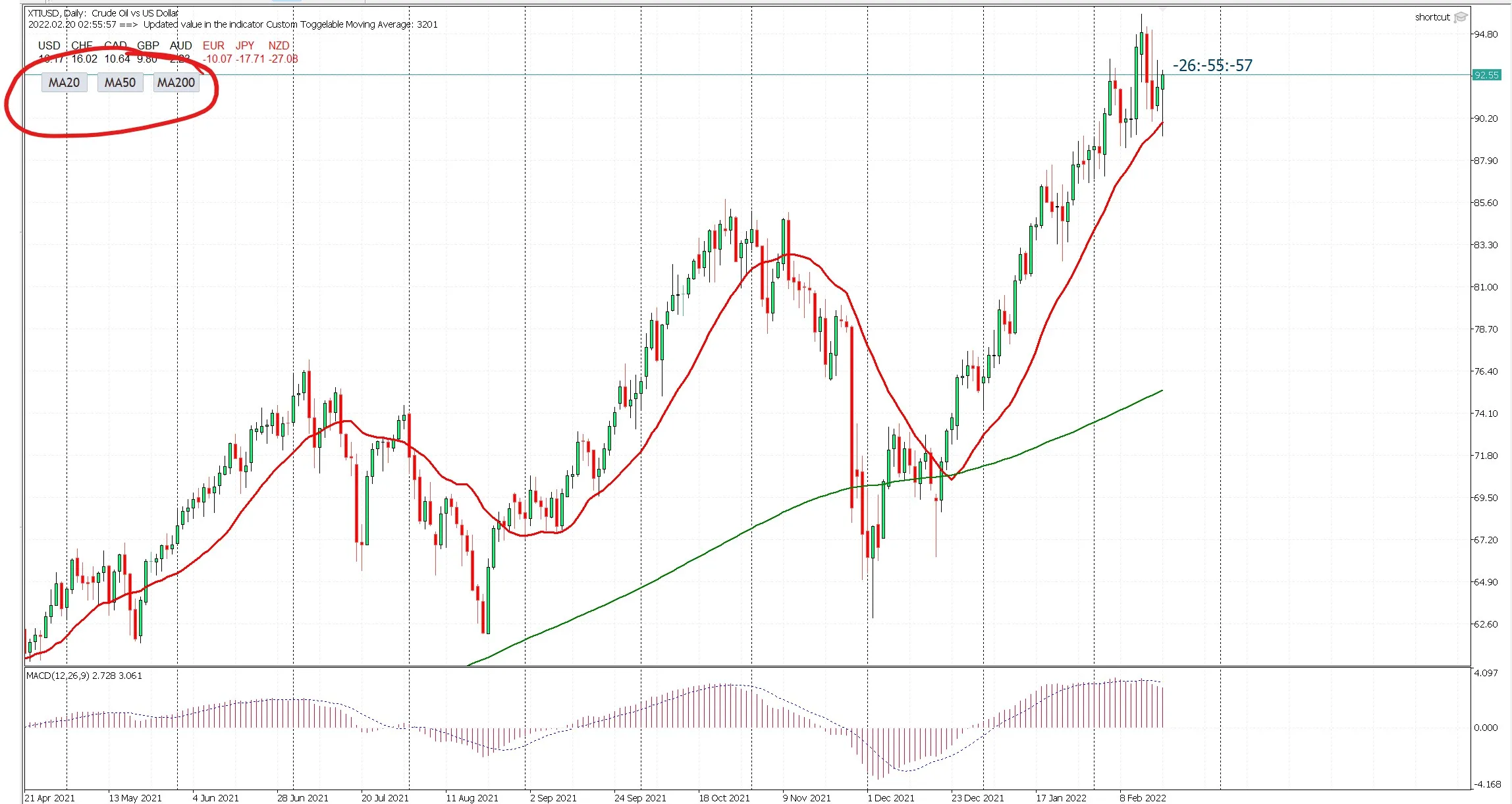
So, I decided to take matters into my own hands. I started by modifying an example Moving Average code from the MQL5 Metaeditor Help. With a bit of creativity, I added a button that allows you to easily show or hide the Moving Average, just like on Trading View.
If you’re looking for a similar functionality, feel free to use or tweak the code to match your trading style.
Simply hit the button to toggle the Moving Average visibility according to your preference!




Comments 0