Technical Indicator

Understanding VIDYA N Bars Borders: A Key Indicator for MetaTrader 5
MetaTrader5
Understanding VIDYA N Bars Borders: A Key Indicator for MetaTrader 5

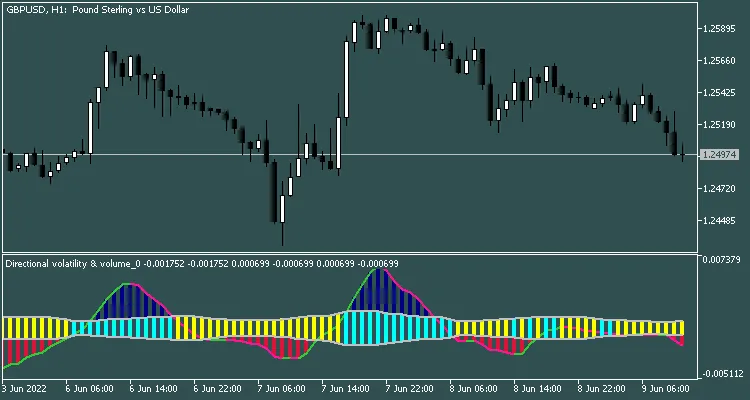
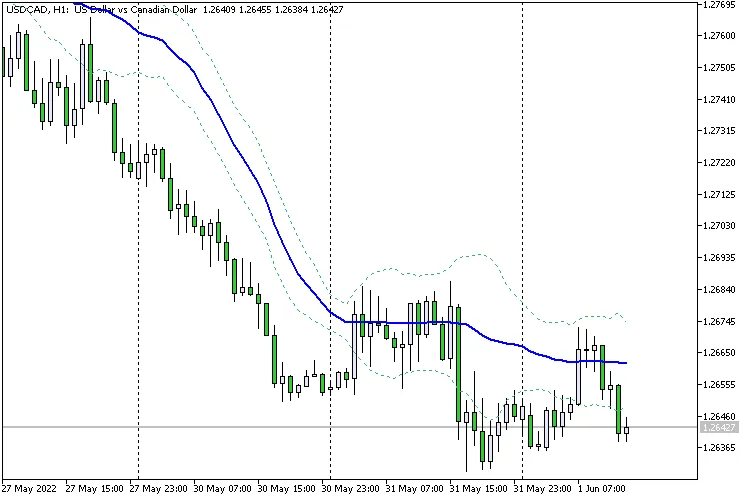
When it comes to trading, having the right tools can make all the difference. Today, we're diving into the VIDYA N Bars Borders indicator for MetaTrader 5, a handy tool that can help sharpen your trading strategy. What is the VIDYA N Bars Borders Indicator? This indicator builds upon the iVIDYA (Variable Index Dynamic Average) by incorporating two distinct levels: an upper and a lower border. These levels are set based on the last N bars, allowing for a dynamic view of market trends. Figure 1. VIDYA N Bars Borders How to Use the Indicator The signals generated by the VIDYA N Bars Borders are similar to those of Bollinger Bands, providing traders with an excellent way to identify potential entry and exit points. By monitoring the price action in relation to these borders, you can spot trends and reversals more effectively. Why Choose VIDYA N Bars Borders? Dynamic Levels: The upper and lower borders adjust based on market volatility, helping you stay ahead of the curve. Clear Signals: The similarity to Bollinger Bands makes it easy to interpret signals, whether you're a seasoned pro or just starting out. Enhanced Decision Making: With this tool in your trading arsenal, you're better equipped to make informed decisions. In conclusion, the VIDYA N Bars Borders indicator is a robust addition to any trader’s toolkit on MetaTrader 5. Give it a shot, and see how it can enhance your trading experience!

2022.06.01
Understanding the Candles Ask Indicator for MetaTrader 5
MetaTrader5
Understanding the Candles Ask Indicator for MetaTrader 5

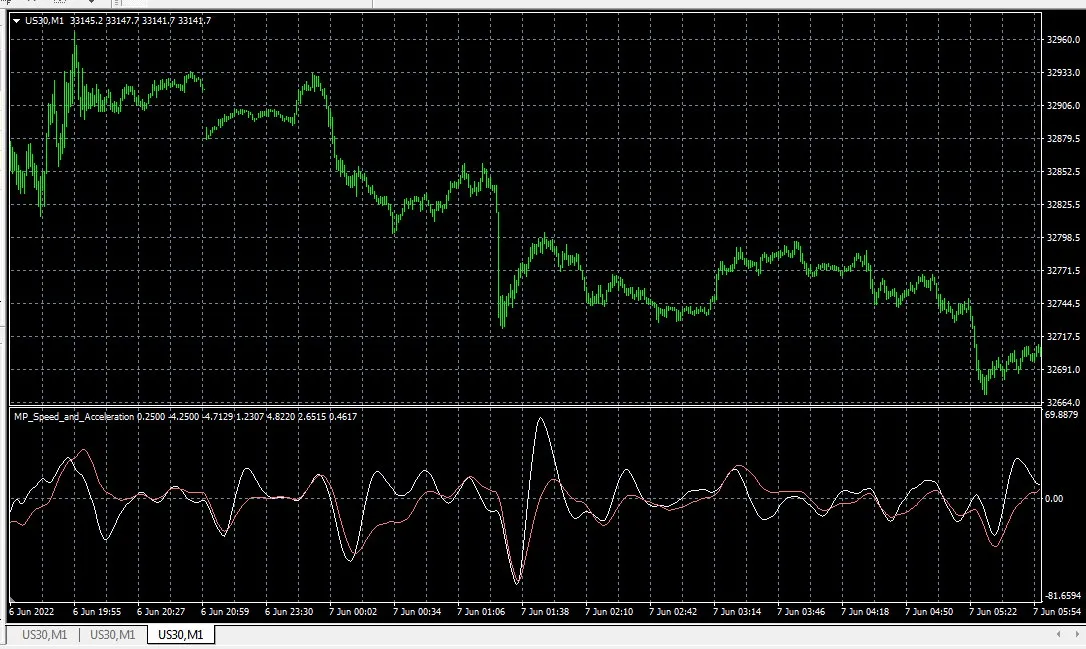
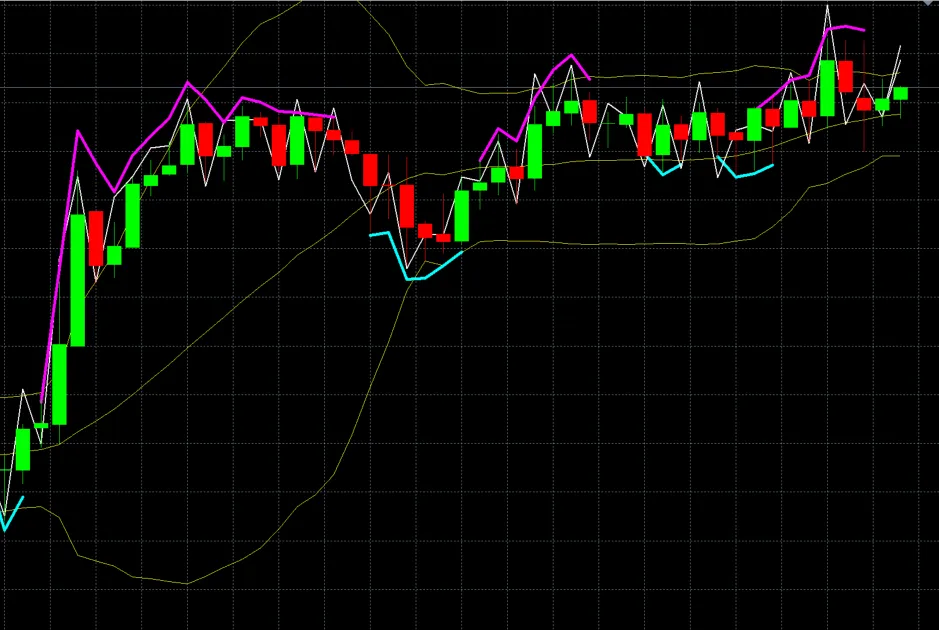
As traders, we’re always on the lookout for tools that can give us an edge. One such tool is the Candles Ask indicator for MetaTrader 5. Let’s break it down together! What is the Candles Ask Indicator? The 'Ask' line in this indicator is derived from the 'Close' price, plus the value from the spread array. Essentially, we’re calculating it using data from the OnCalculate function. int OnCalculate(const int rates_total,                const int prev_calculated,                const datetime &time[],                const double &open[],                const double &high[],                const double &low[],                const double &close[],                const long &tick_volume[],                const long &volume[],                const int &spread[]) Pic. 1. Candles Ask With this indicator, you can gain valuable insights into market movements. Understanding how the 'Ask' price interacts with the 'Close' price can help you make informed trading decisions. So, whether you’re a seasoned trader or just starting out, incorporating the Candles Ask indicator into your trading toolkit can provide a clearer picture of the market landscape!

2022.05.31
Enhance Your Trading with the Two Stochastic Custom Filling Alert for MetaTrader 5
MetaTrader5
Enhance Your Trading with the Two Stochastic Custom Filling Alert for MetaTrader 5

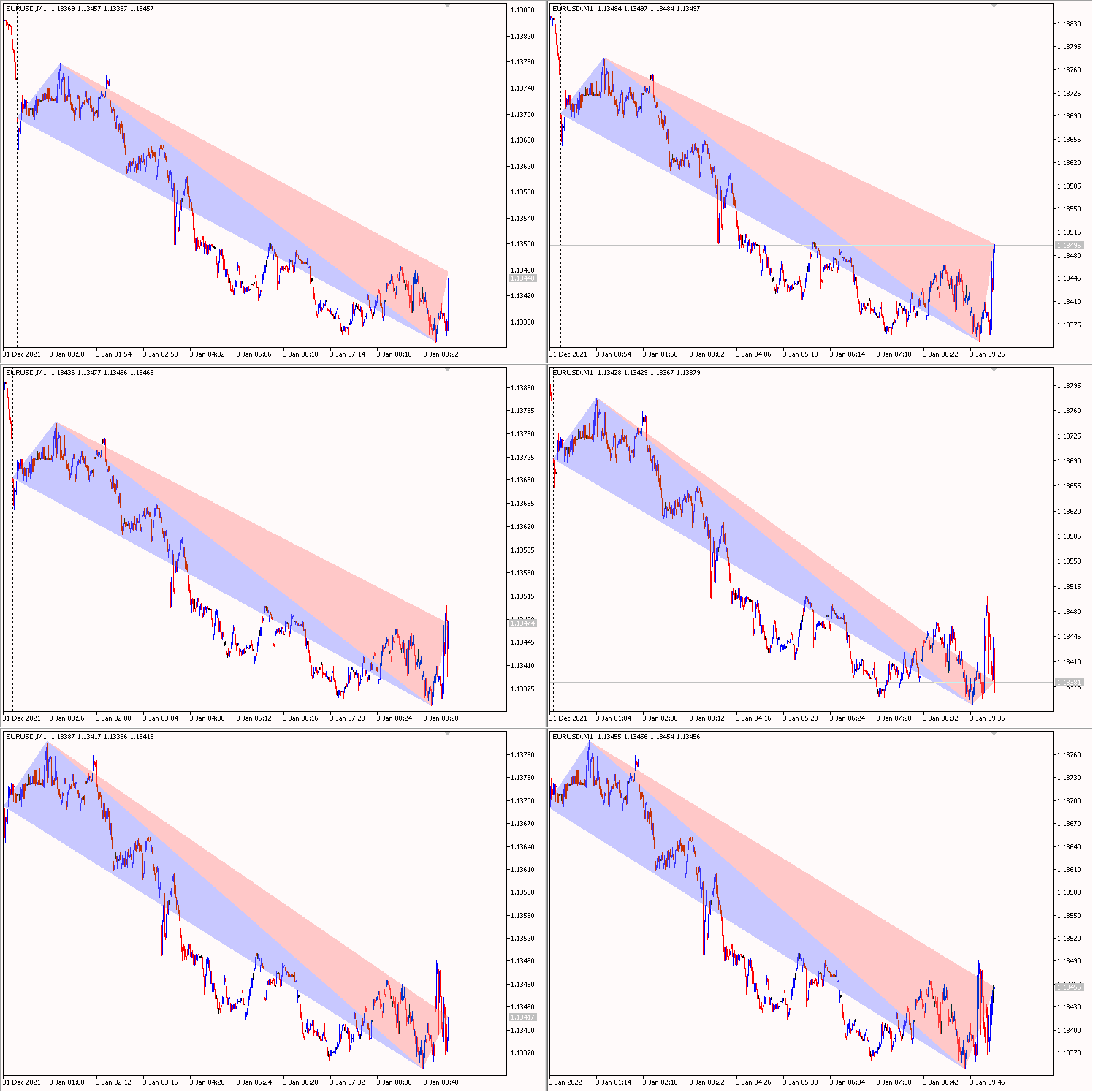
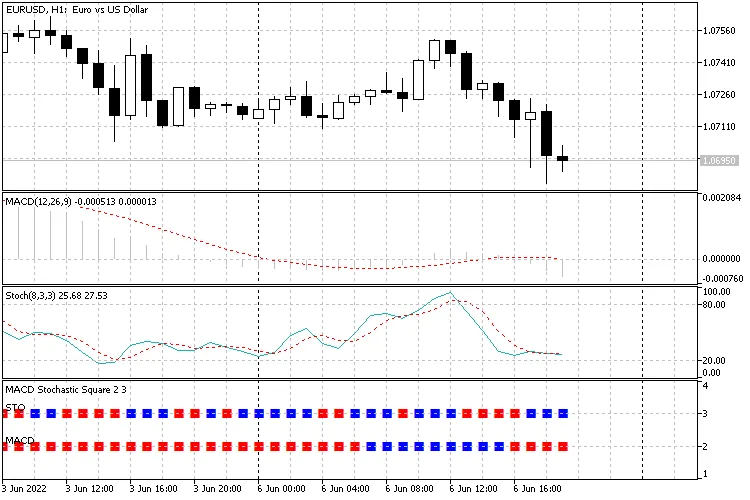
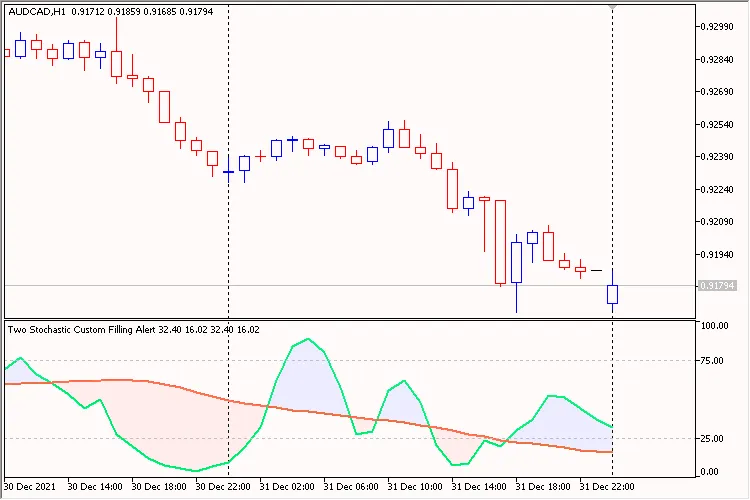
The Concept Behind the Indicator If you're looking to elevate your trading game, the Two Stochastic Custom Filling Alert indicator for MetaTrader 5 is a fantastic tool to have in your arsenal. This indicator features two Stochastic Oscillators—often referred to as 'Fast' and 'Slow'—displayed in one convenient subwindow. The area between the 'Main' lines is visually filled, making it easier to spot potential trade signals at a glance. One of the standout features of this indicator is its customizable level settings, which can be easily adjusted in the input parameters. This flexibility is particularly handy when you're using it in an Expert Advisor or during backtesting in the strategy tester. Plus, it comes equipped with notifications that alert you when the lines cross—whether through sound, alerts, email, or push notifications. Staying informed has never been easier! input group             "Alerts" input string               InpSoundName               = "alert.wav"; // Sound Name input uchar                 InpSoundRepetitions        = 3;           // Repetitions input uchar                 InpSoundPause              = 3           // Pause, in seconds input bool                 InpUseSound                = false       // Use Sound input bool                 InpUseAlert                = true        // Use Alert input bool                 InpUseMail                 = true        // Use Send mail input bool                 InpUseNotification         = true        // Use Send notification Figure 1: Two Stochastic Custom Filling Alert

2022.05.28
Mastering Market Highs and Lows: Your Go-To Indicator for MetaTrader 4
MetaTrader4
Mastering Market Highs and Lows: Your Go-To Indicator for MetaTrader 4

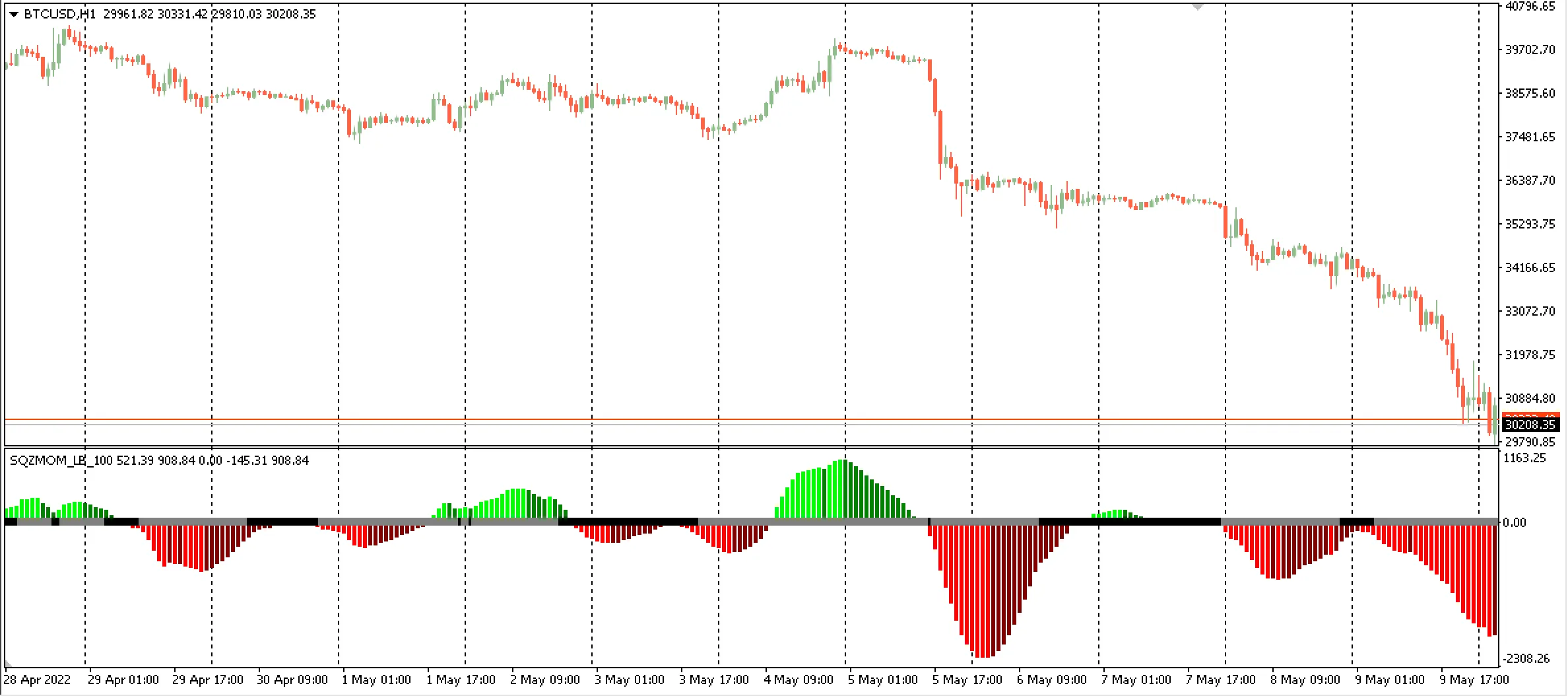
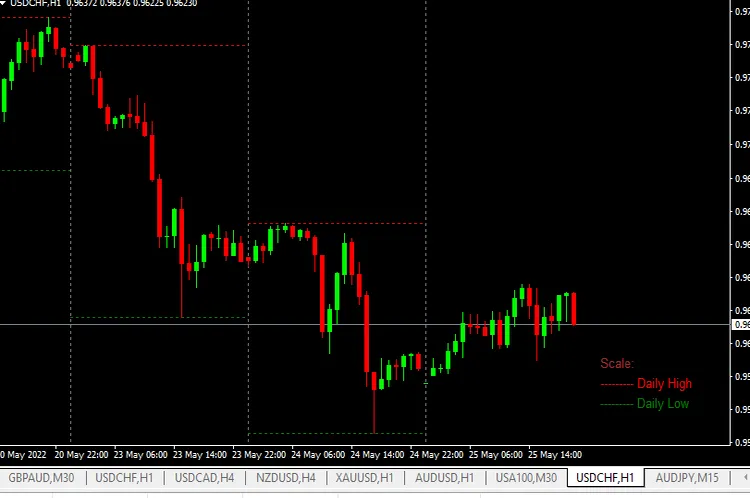
Hey there, fellow traders! If you’re looking to sharpen your trading skills, understanding market highs and lows is essential. Today, we’re diving into how to utilize this key indicator in MetaTrader 4 to enhance your trading strategy. What are Market Highs and Lows? Market highs and lows are crucial points that indicate the highest and lowest prices during a specific period. These levels can help you gauge market sentiment and identify potential reversal points. Why Use This Indicator? Identify Trends: Recognizing highs and lows can help you determine if the market is in an uptrend or downtrend. Set Entry and Exit Points: By knowing these levels, you can make more informed decisions on when to enter or exit trades. Manage Risk: Highs and lows can serve as support and resistance levels, allowing you to set better stop-loss orders. Now that you understand the importance of market highs and lows, let’s take a look at how to apply this in MetaTrader 4. Setting Up the Indicator 1. Open your MetaTrader 4 platform. 2. Navigate to the 'Insert' menu. 3. Choose 'Indicators' and then select 'Custom'. 4. Find 'Market Highs and Lows' and click 'OK'. 5. Customize the settings to suit your trading style. Once you’ve added the indicator, you’ll start to see the highs and lows plotted on your chart. This visual representation will help you spot key levels at a glance. Final Thoughts Incorporating the market highs and lows indicator into your trading toolkit can significantly enhance your trading decisions. Remember, trading is all about making informed choices, and knowing these critical price points can give you an edge. Happy trading!

2022.05.26
First Previous 20 21 22 23 24 25 26 27 28 29 30 Next Last